
Finding your way around
Once you open a server, everything for it is in the sidebar on the left, grouped by what it is for.
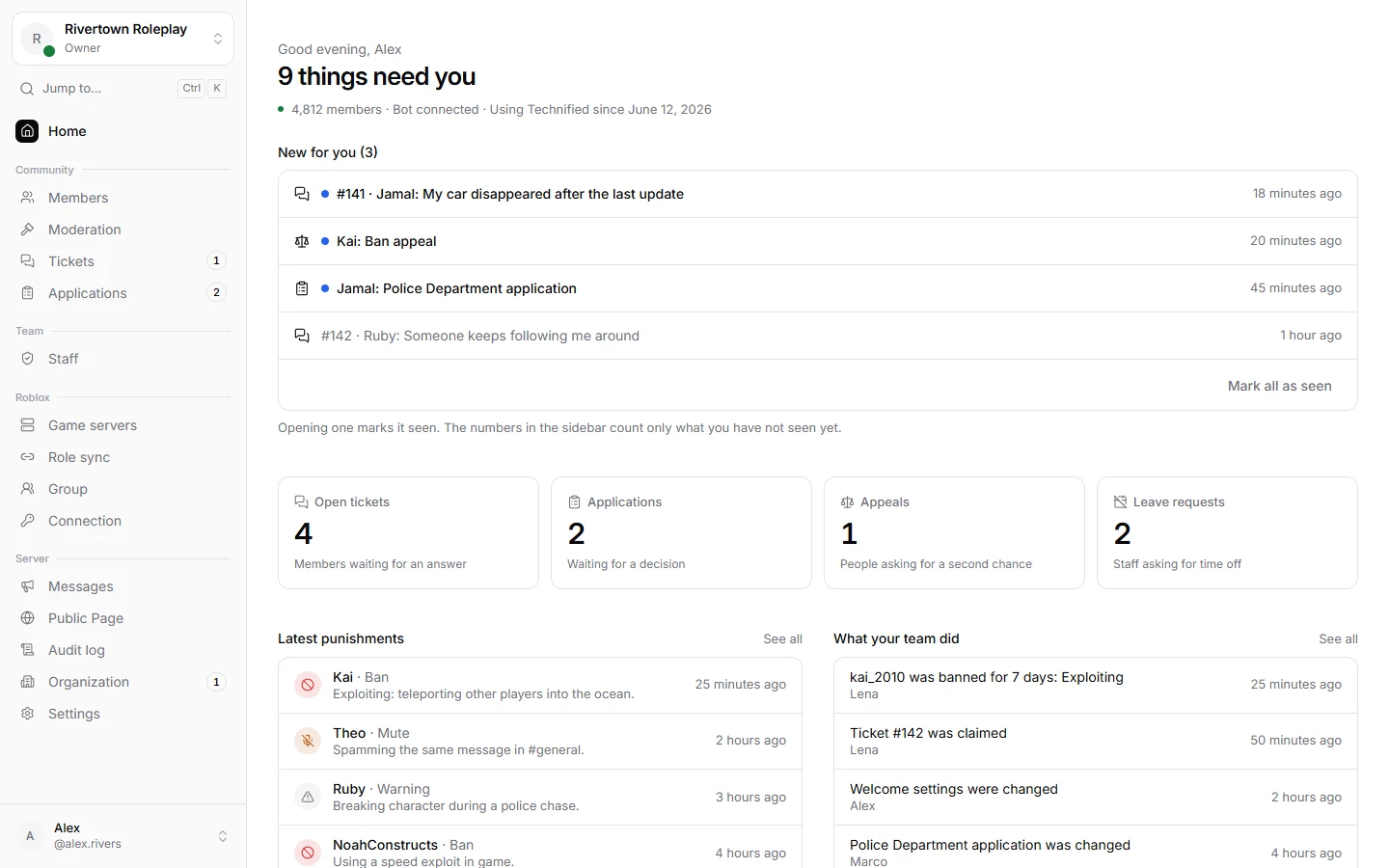
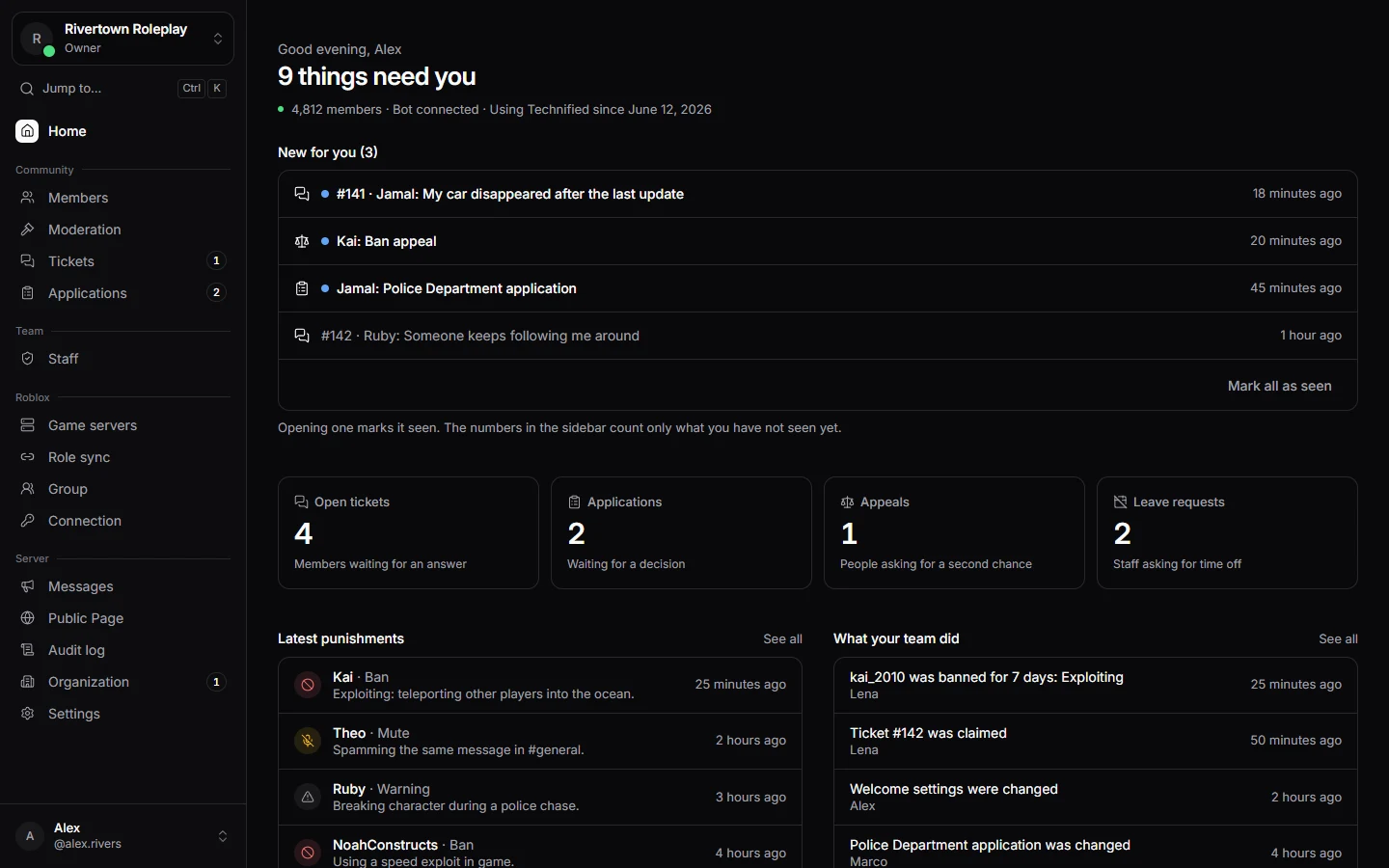
The sidebar
- Home: what needs you right now, the latest punishments and what your team did.
- Community: Members, Moderation, Tickets and Applications.
- Team: Staff, with roles, leave, activity and quotas.
- Roblox: Game servers, Role sync, Group and Connection.
- Server: Messages, Public Page, Audit log, Organization and Settings.
You only see the parts your permissions allow. A small number next to a section means something new is waiting there for you.
Switching servers
Press the server name at the top of the sidebar to switch to another server you manage, or go back to Your servers.
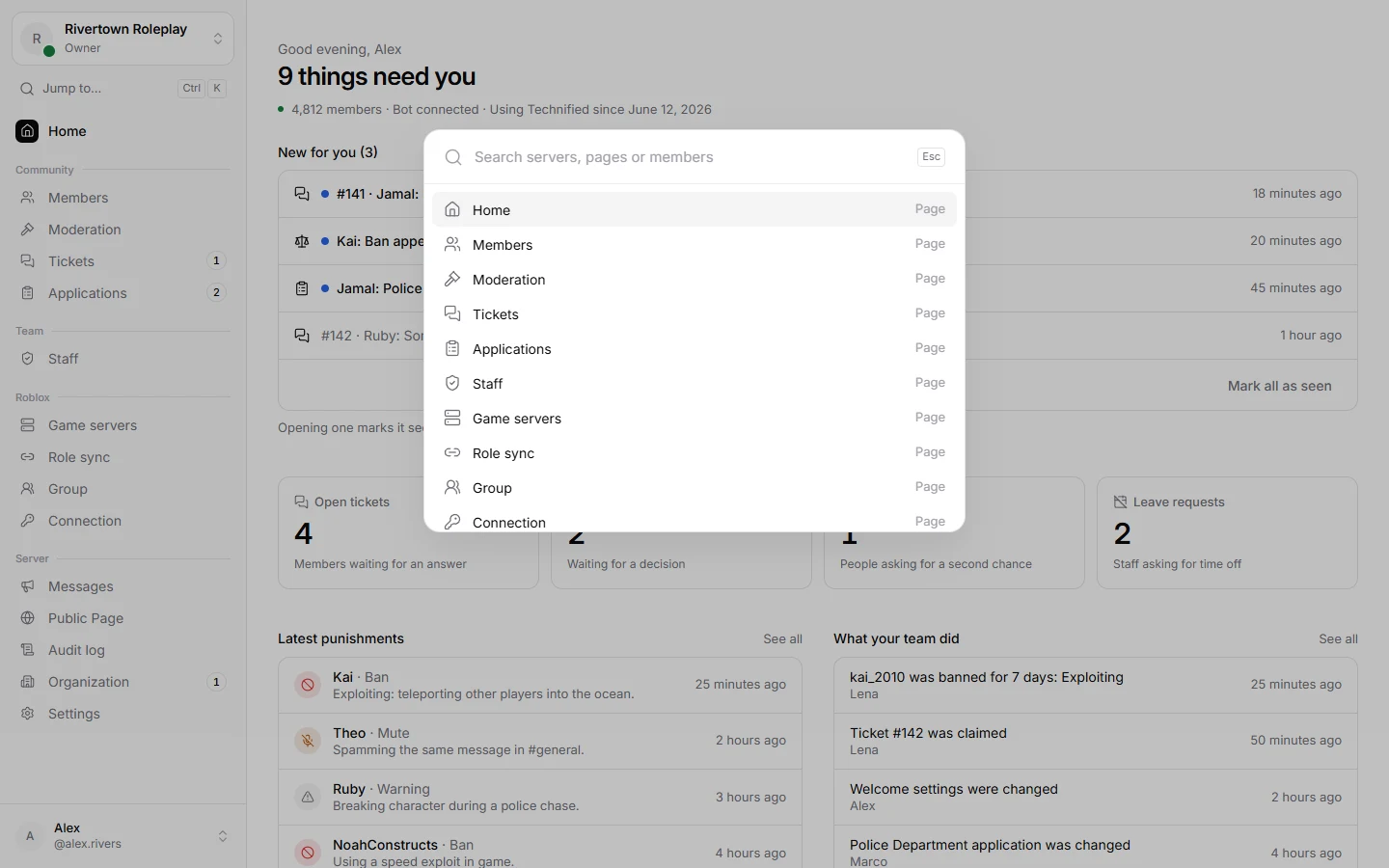
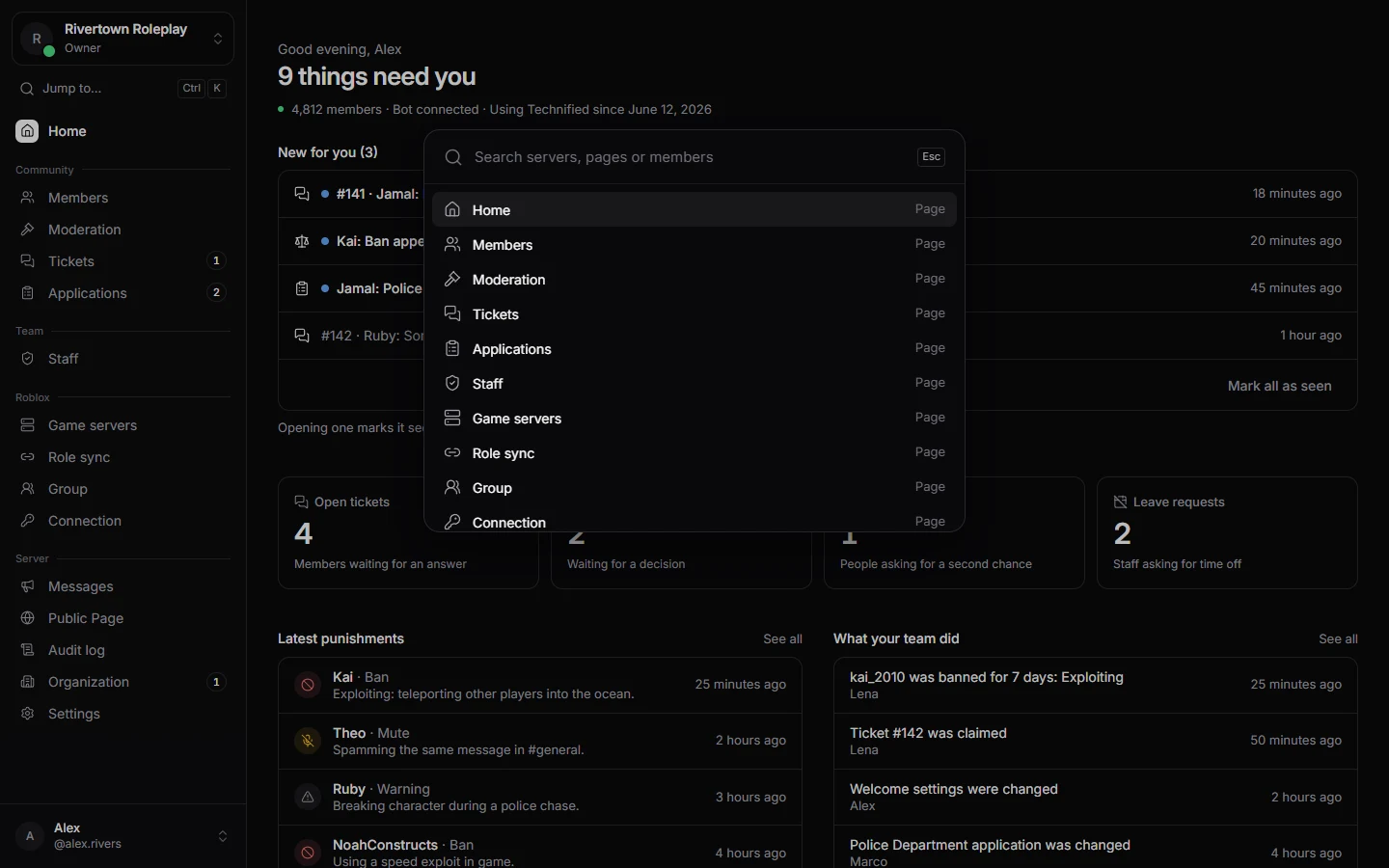
Jump to anything
Press Ctrl + K (or ⌘ + K on a Mac), or Jump to… in the sidebar, and type what you are looking for: a page, a setting or a member. Press ? to see every keyboard shortcut.
Your account menu
At the bottom of the sidebar is your name. From there you reach My account, this Documentation, Help and support, the keyboard shortcuts, the light or dark look, and Sign out.
Still stuck? Get help from the Technified team.