
What is Technified?
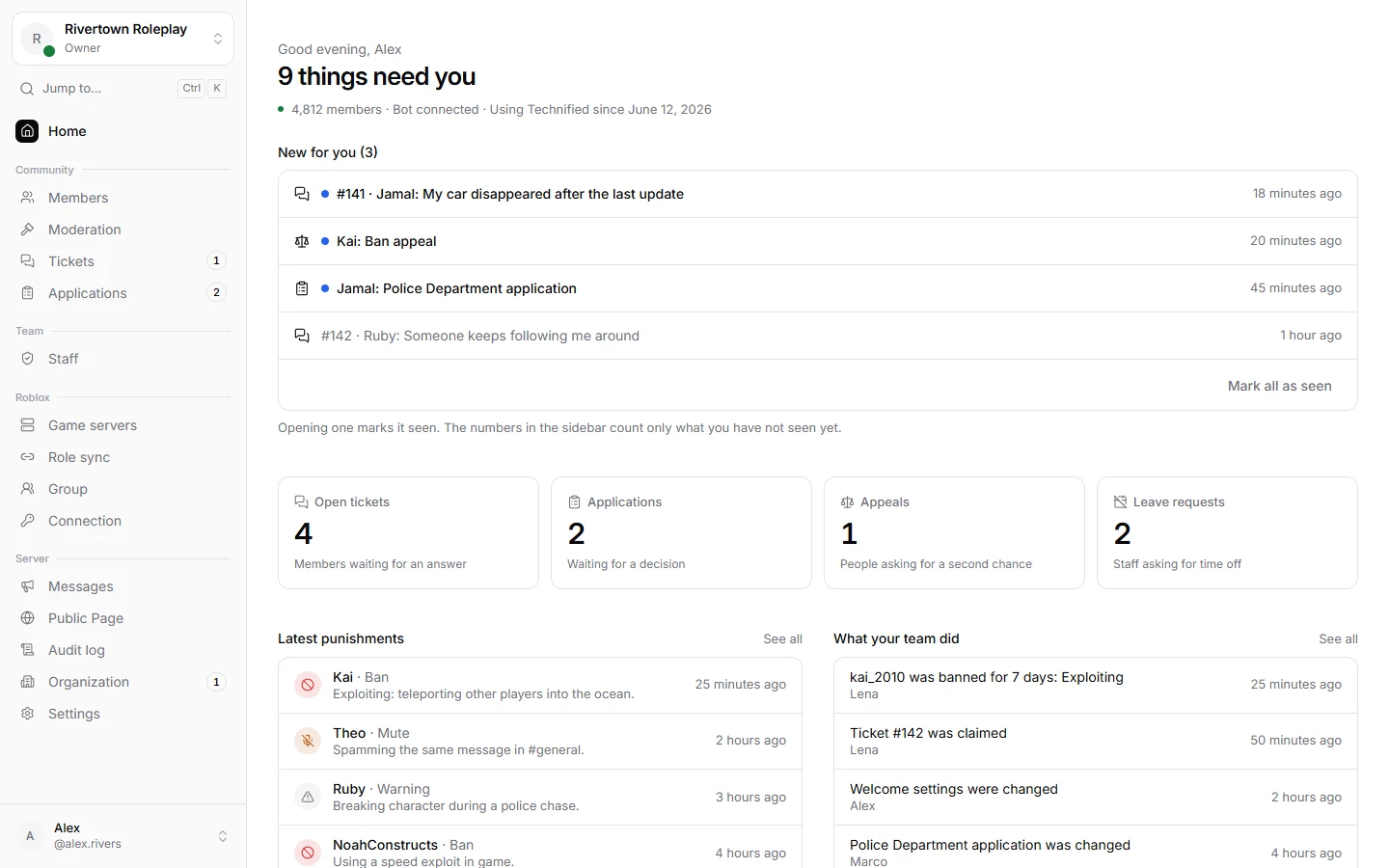
Technified is one tool that runs your Discord server and your Roblox game together. Members link their Roblox account once, your team moderates in one place, and everything they do is written down.
What it does for you
- Verification: members show which Roblox account is theirs and get their Discord roles by themselves.
- Moderation: ban, mute, kick and warn people on Discord and inside your Roblox game, with a full history of every case.
- Tickets: members open a private chat with your staff team with one button.
- Applications and appeals: build forms with your own questions and decide them as a team.
- Your staff team: roles and permissions, leave, hour goals, notes and strikes.
- Your Roblox game: bans that also work in game, a list of live servers and messages to every player.
The three parts you will meet
The bot lives in your Discord server. It answers slash commands like /verify and /ban, posts buttons and messages, and hands out roles.
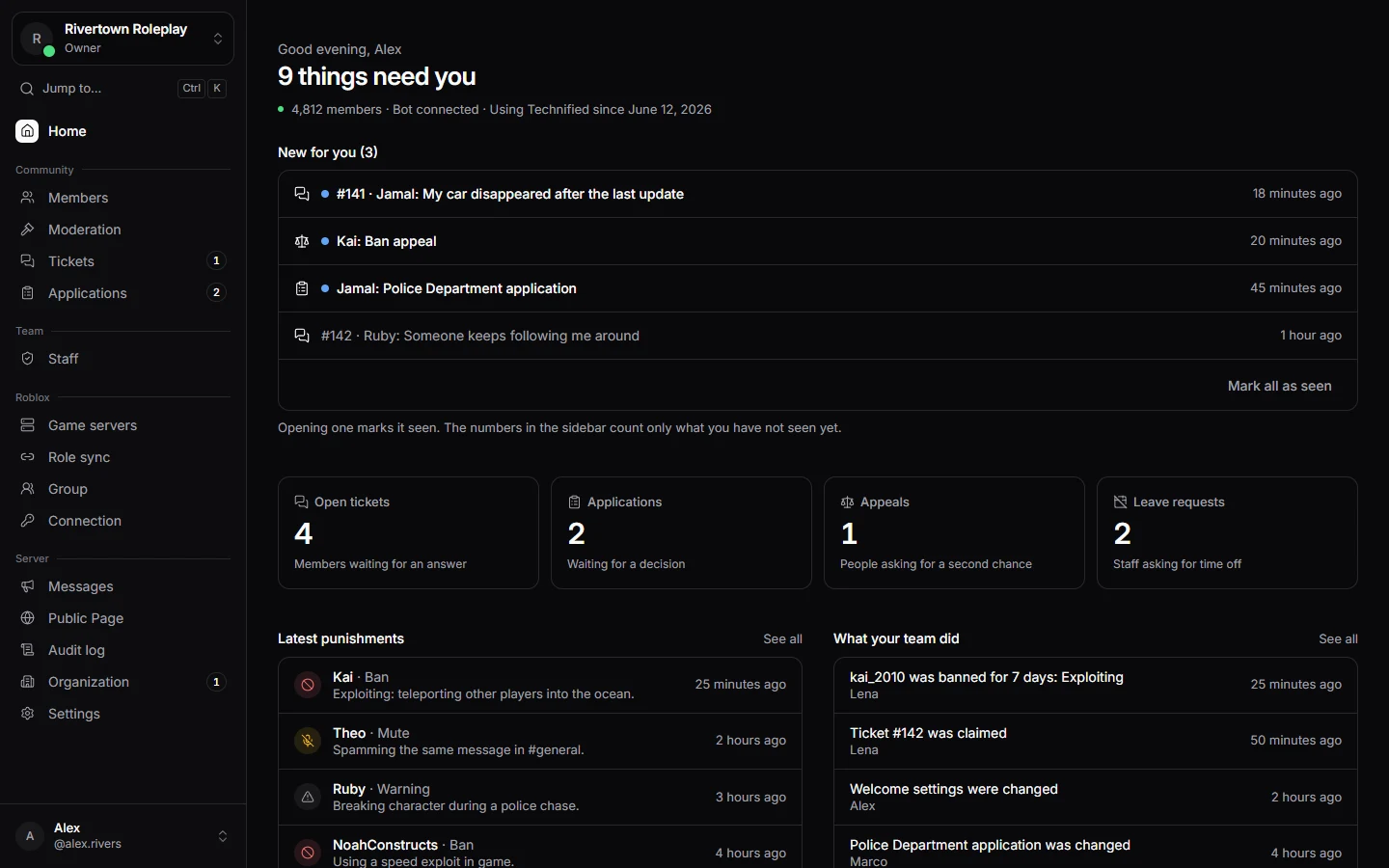
The dashboard is the website at technified.xyz. Everything the bot does is set up here, and your team can do most of its work here too.
The game integration is a small script in your Roblox game. It is optional, and only needed if you want bans and staff tools inside your game.
Does it cost anything?
No. Technified is free. Some things have a limit per server, like the number of forms or staff roles. You can always see how much you use under Settings → Usage.
Where to go next
- Running a server? Start with Add Technified to your server.
- A member of a server that uses Technified? Read Link your Roblox account.
- Part of a staff team? Go to Moderation.
Still stuck? Get help from the Technified team.