
Add Technified to your server
It takes a few minutes. You need to be the owner of the Discord server, or have the Manage Server permission there.
1. Sign in
- Go to technified.xyz and press Sign in.
- Press Continue with Discord and allow Technified to see your name, picture and servers. Technified never sees your password or your messages.
2. Add the bot
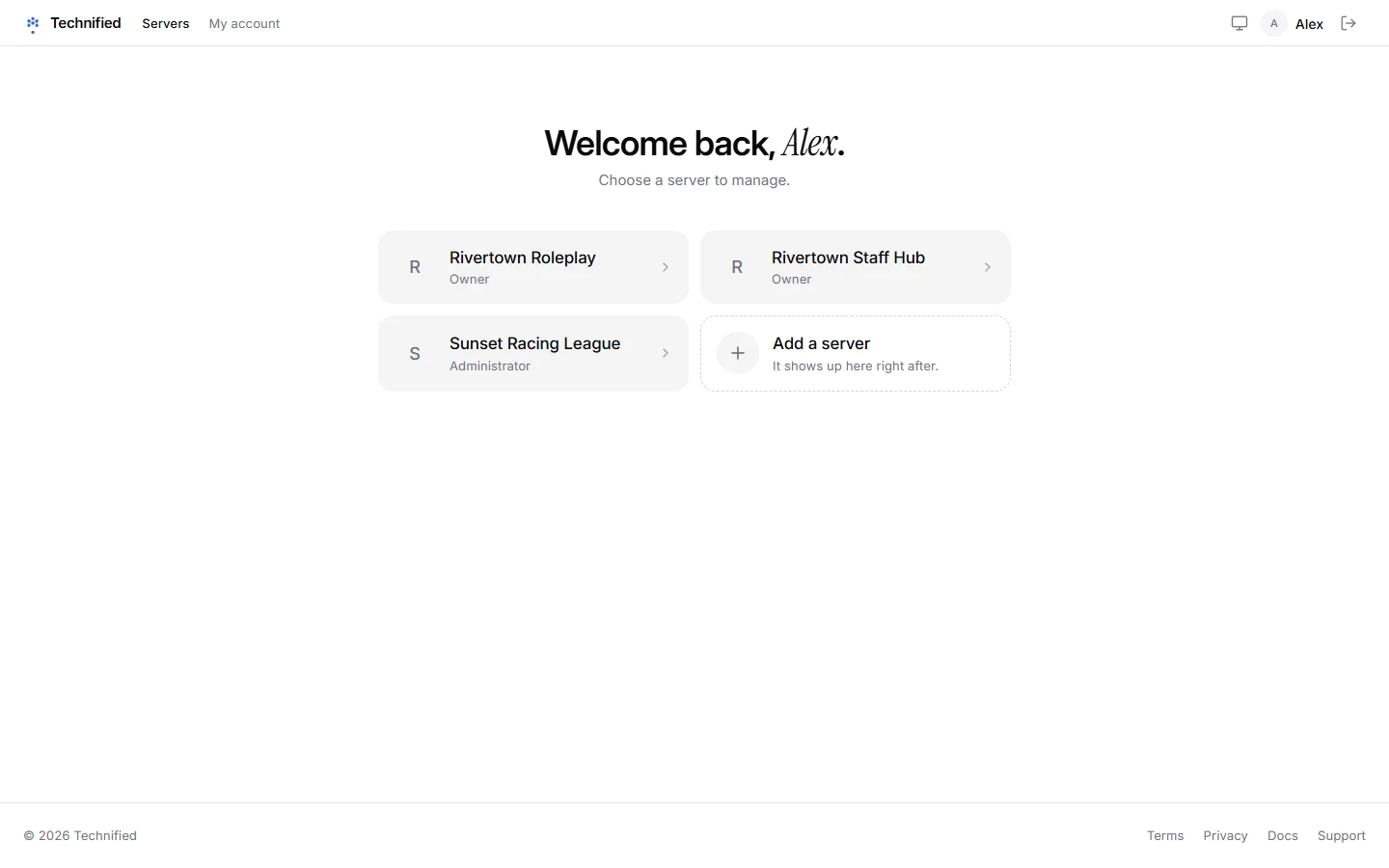
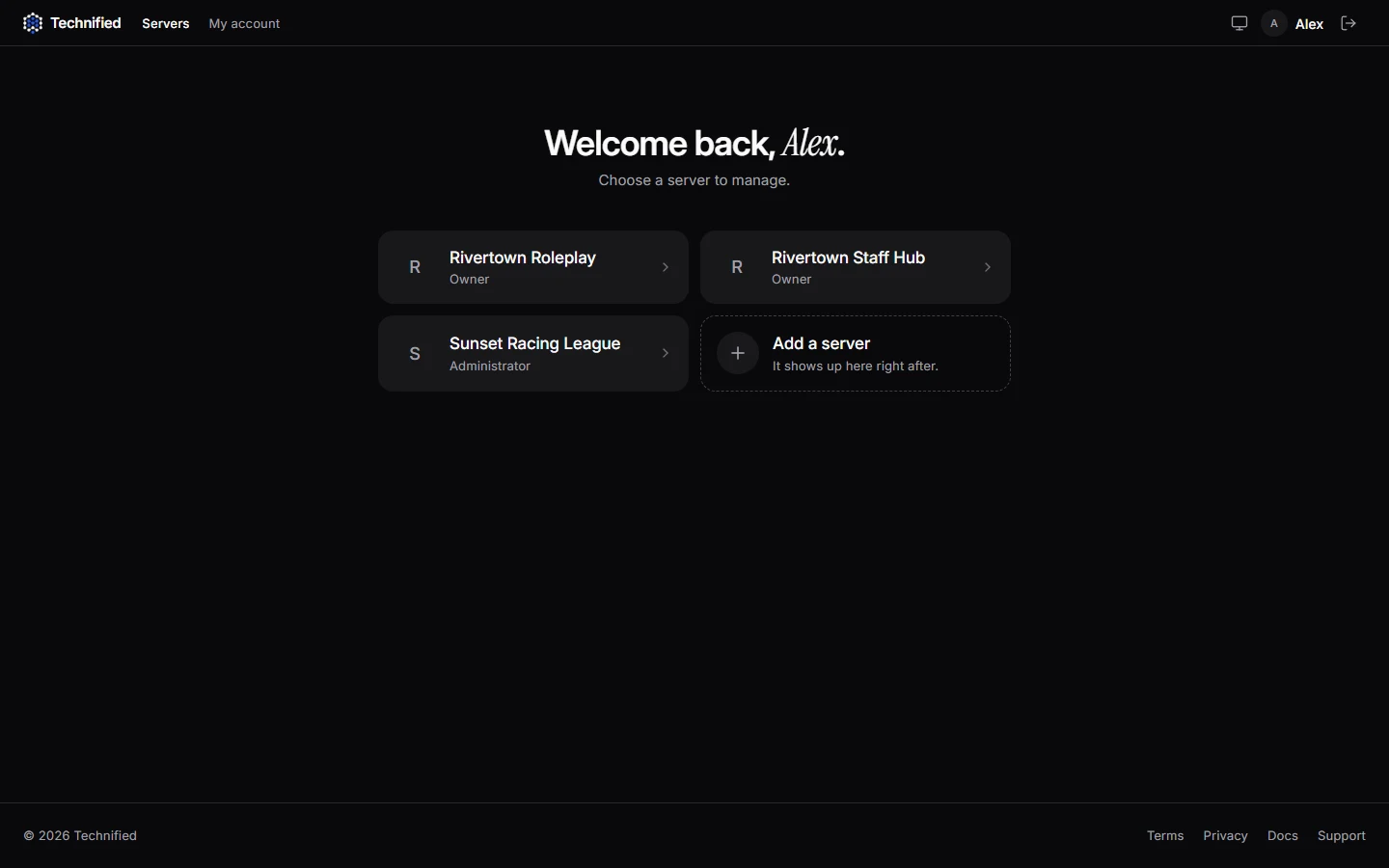
- After signing in you see Your servers. Press Add a server.
- Discord asks which server the bot should join. Pick yours and press Authorize.
- Your server now shows up in the list. Open it.
Careful
In Discord, open Server Settings → Roles and drag the Technified role above every role you want it to hand out. Discord only lets a bot give roles that are below its own.
3. Set up the basics
The home page of your server has a short checklist under Finish setting up. Press Walk me through it and it guides you through the most important parts:
- A role for verified members, see Setting up verification.
- Your staff team, see Staff roles and permissions.
- A log channel, see Log channels and the audit log.
- A staff application, see Building forms.
4. Check the commands
Your server gets Technified’s slash commands by itself. To choose which ones are on and who may use them, open Settings → Discord commands. After a change, press Publish so Discord shows the new set. More in Discord commands.
Still stuck? Get help from the Technified team.