
Applications and appeals
Servers use forms for two things: applications, to join a team, and appeals, to ask for a second chance after a punishment.
Sending an application
- Open the form. Servers share it as a link, on their public page, or in a message in Discord.
- Sign in with Discord if you are asked to. Some forms are only open to members who linked their Roblox account; see Link your Roblox account.
- Answer the questions. Some questions only appear after you answer an earlier one.
- Press Send. You get a direct message from the bot once the team has decided.
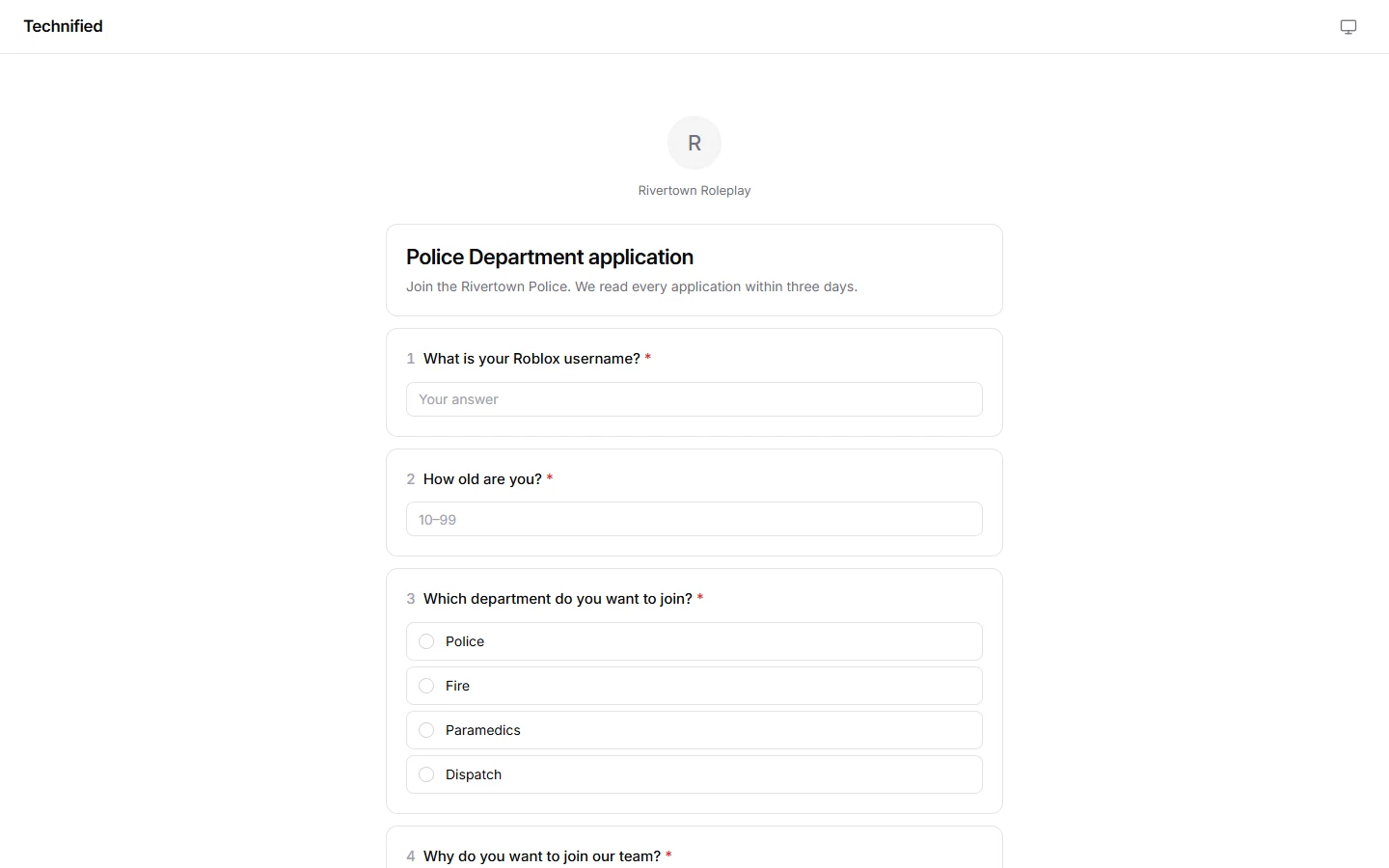
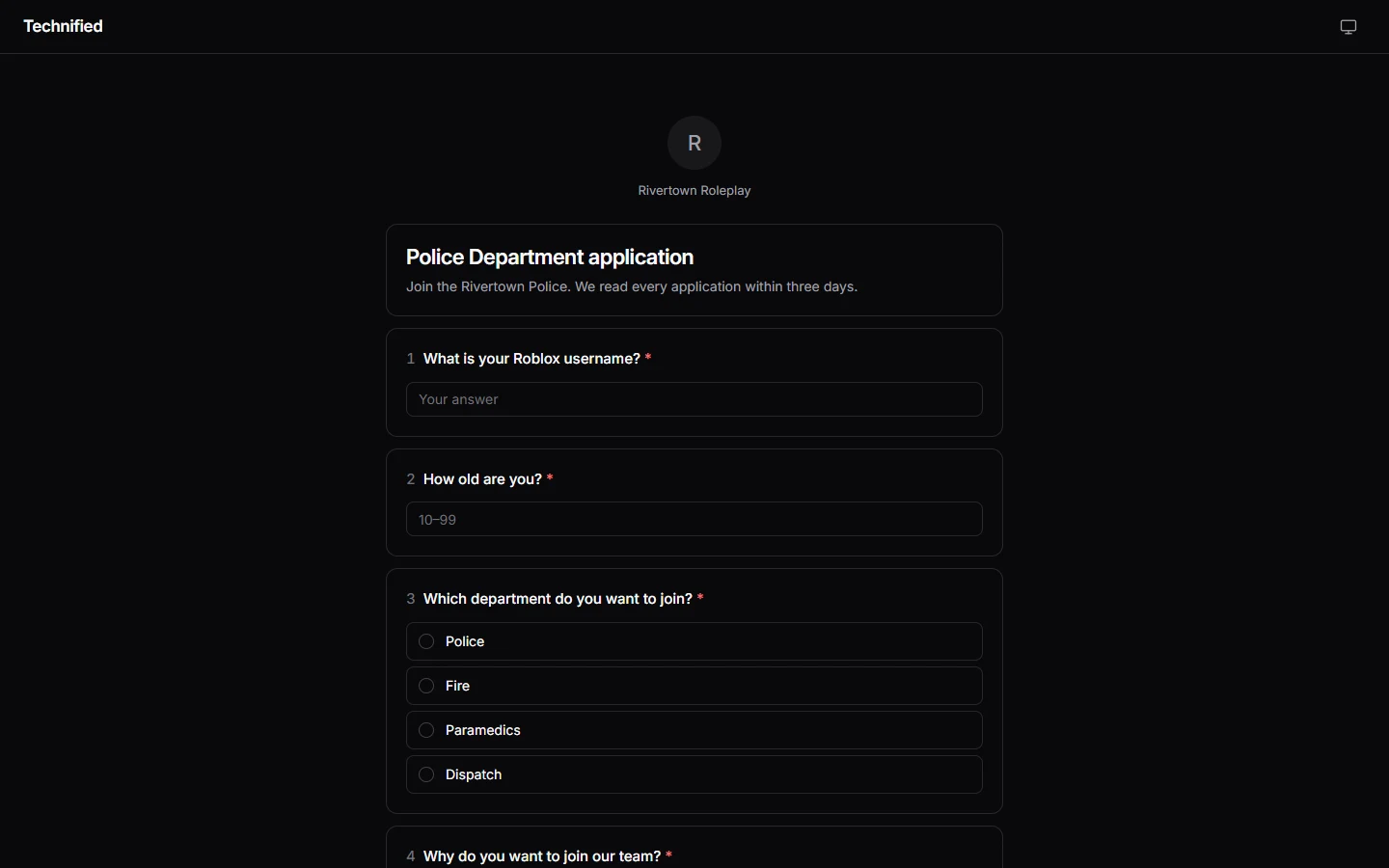
Sending an appeal
If you are banned or muted and the server takes appeals, the message you got from the bot has an Appeal button. It opens the right form. Explain honestly what happened and why the punishment should be lifted.
Following what you sent
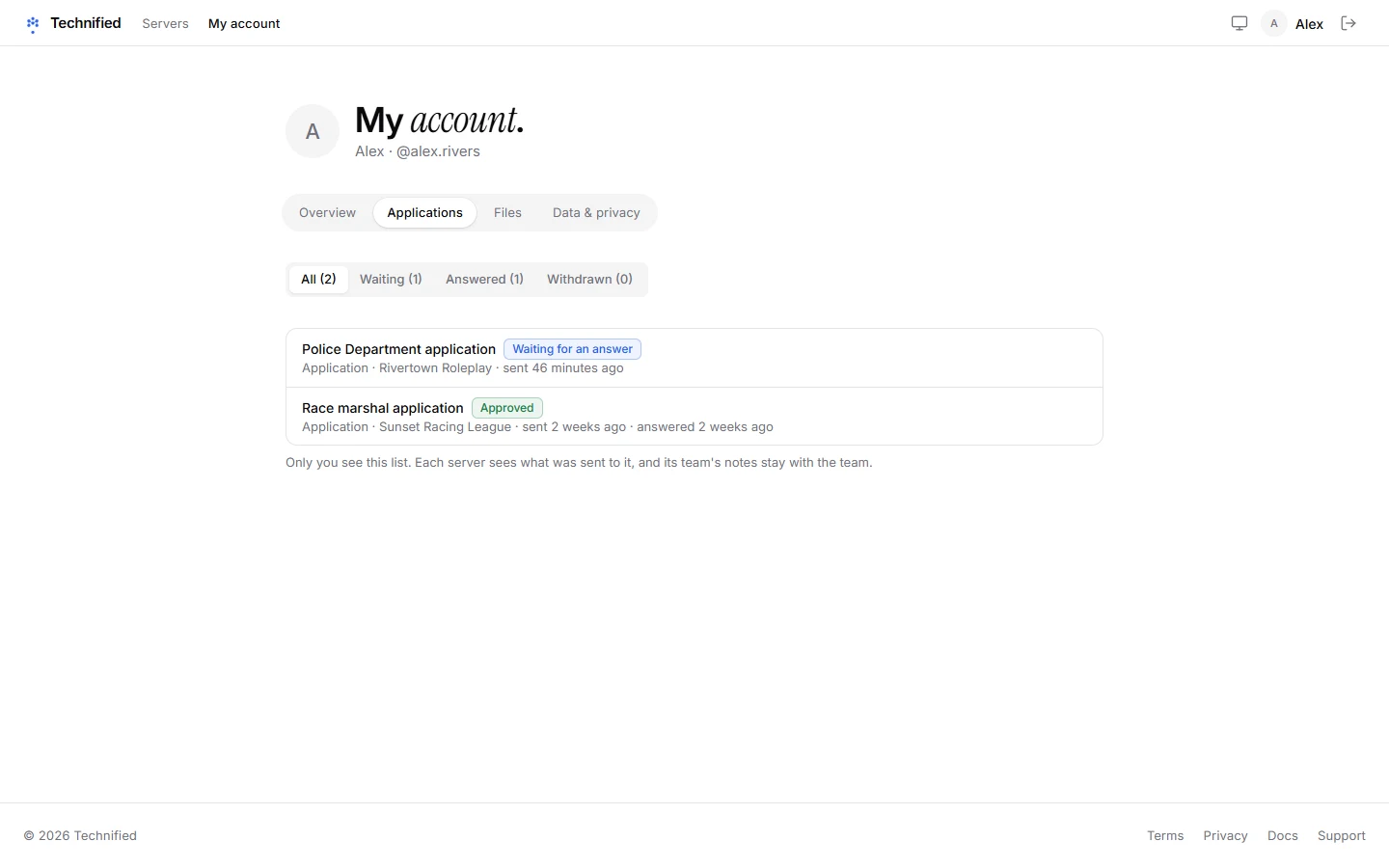
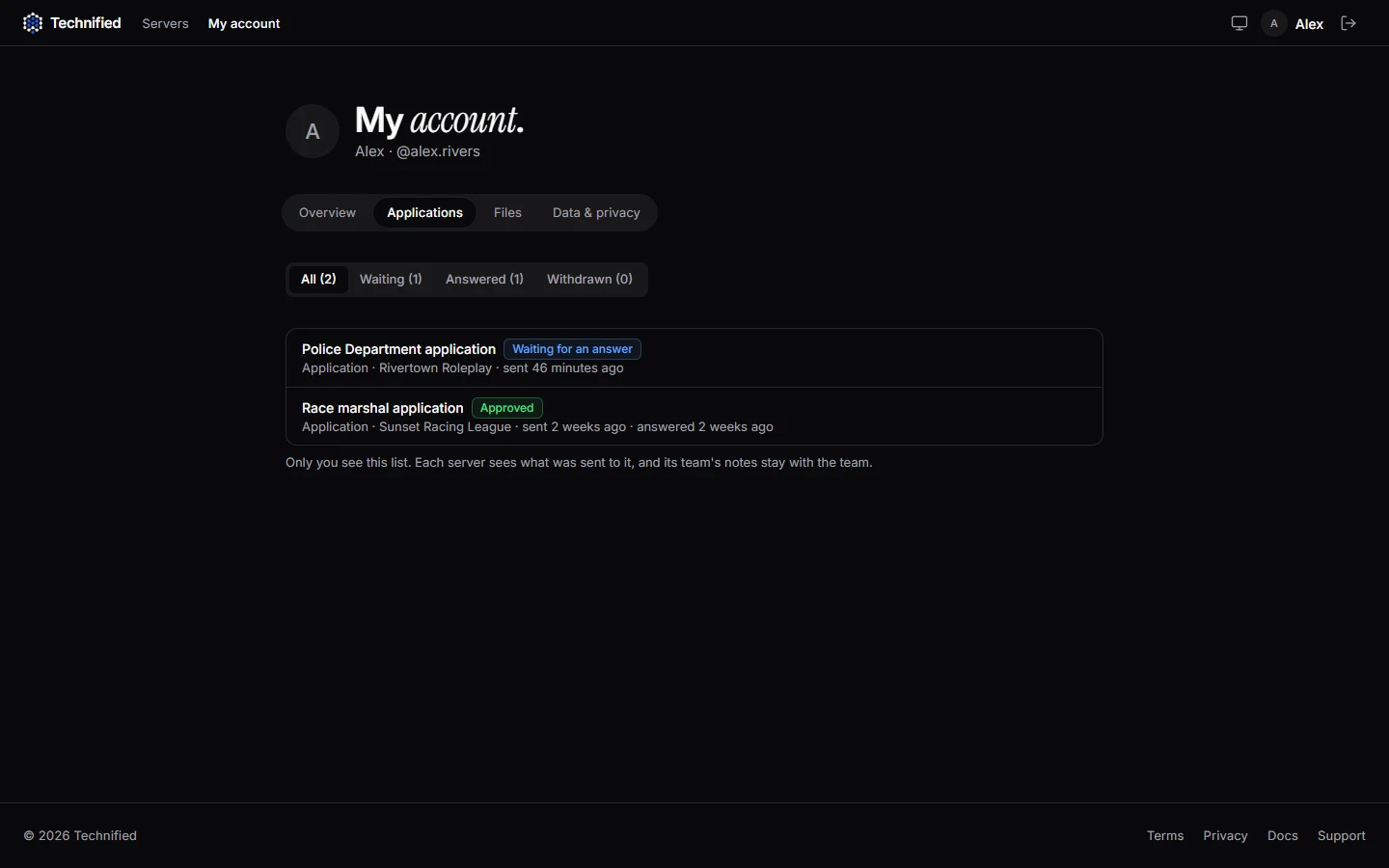
Everything you sent, on every server, is under My account → Applications. You see whether it is still waiting, accepted or declined, and the note the team left you. While it is still waiting you can open it and withdraw it.
Good to know
Most forms allow one open submission at a time. Wait for the answer before you send another.
Still stuck? Get help from the Technified team.