
Your account and your data
Your account belongs to you. You can see what Technified knows about you, take a copy of it, or delete it.
My account
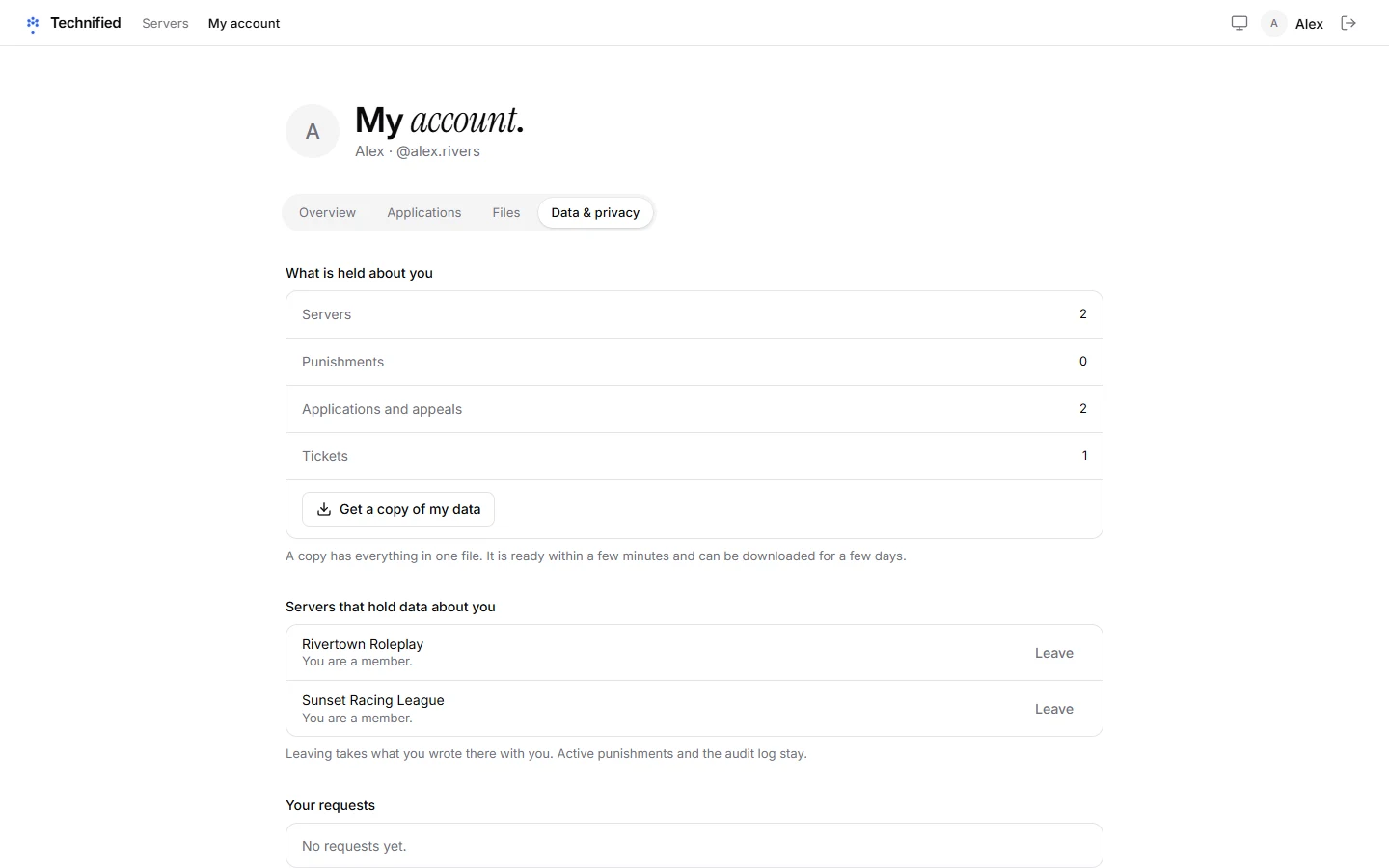
Open My account from the menu with your name. There you see your linked Roblox account, the servers you are on, and what you sent:
- Applications: everything you applied for or appealed, and the answers.
- Files: files you uploaded with a form, and how much space they use.
- Privacy: your data, a copy to download, and deleting your account.
Getting a copy of your data
- Open My account → Privacy.
- Press Get a copy of my data. It is prepared in the background and shows up under Your requests.
- When it is ready, press Download. The download works for a limited time.
Deleting your account
On the same page, use Delete my account. Your account, your Roblox link and what belongs only to you are removed. Records a server must keep, such as a punishment, stay with that server without your account. Before anything happens you are told exactly what stays.
Careful
Deleting your account cannot be undone.
More about your data
The Privacy Policy explains what is kept, why and for how long.
Still stuck? Get help from the Technified team.