
Handling tickets
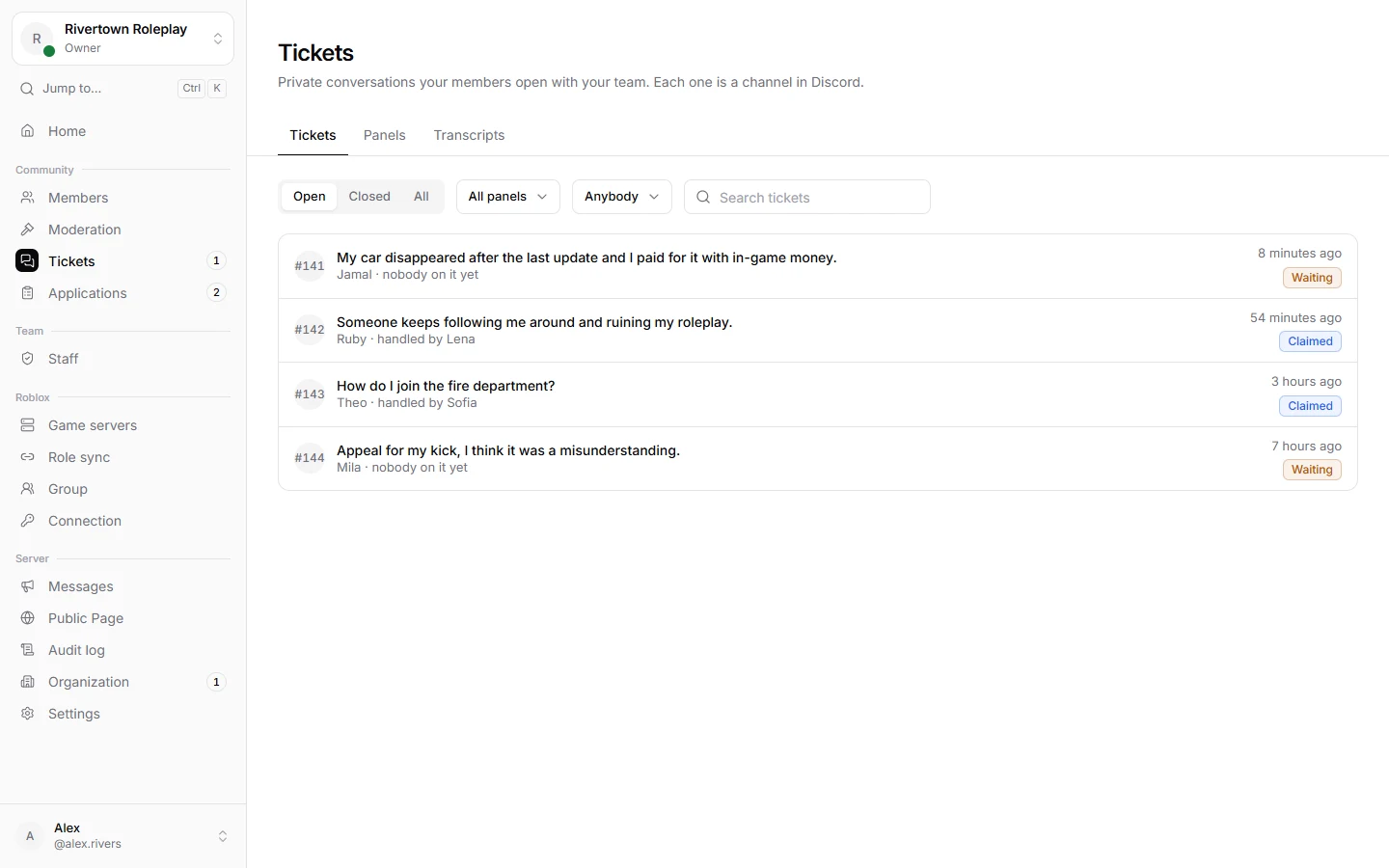
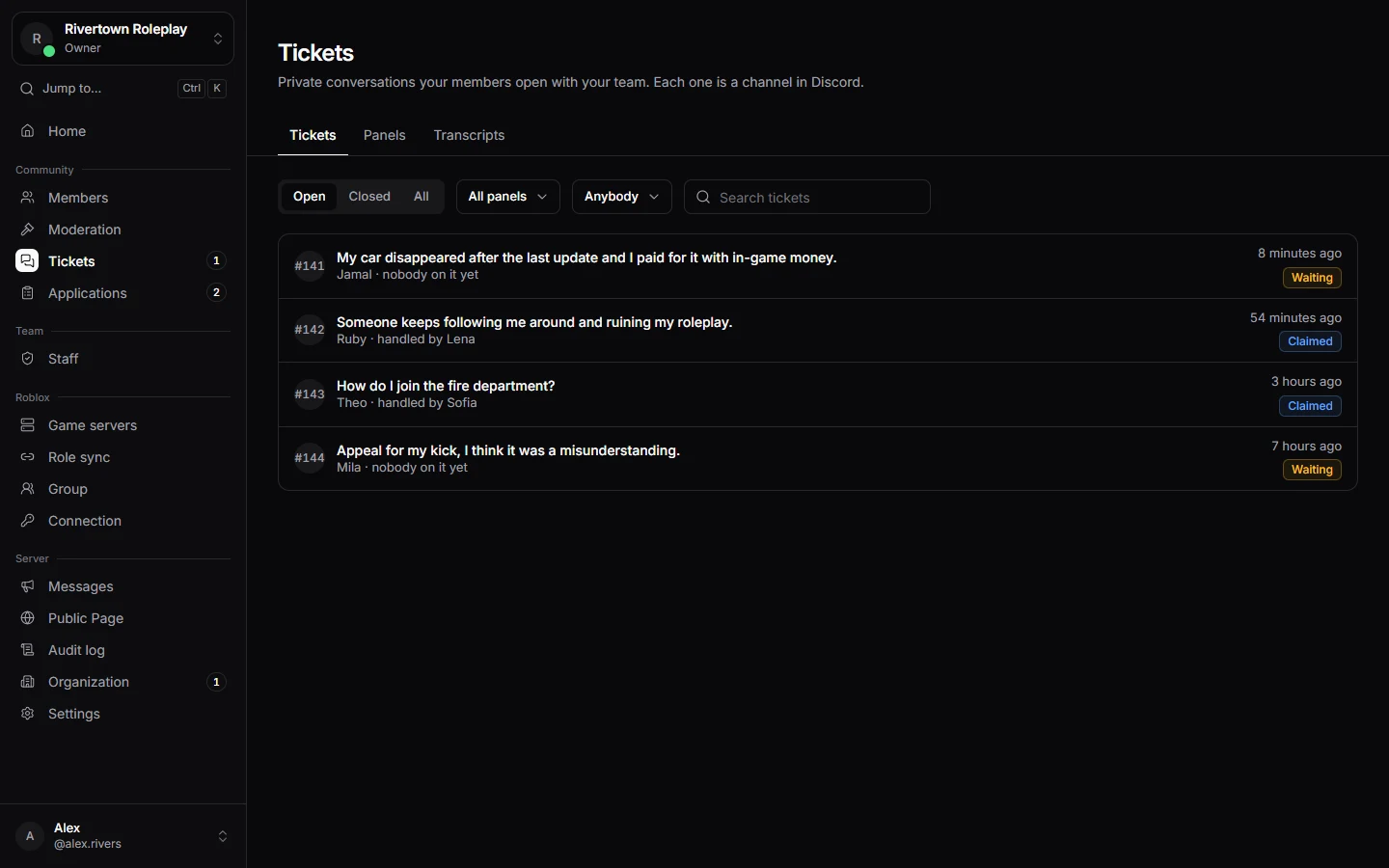
Tickets are private chats between a member and your team. You can work on them in Discord or keep an overview in the dashboard.
Taking a ticket
Press Claim in the ticket, in Discord or in the dashboard, so the team knows you are on it. Someone else can Take over later, or you can Hand back the ticket so another person picks it up.
Working on it
- Answer in the ticket channel in Discord. Everything said there is kept with the ticket.
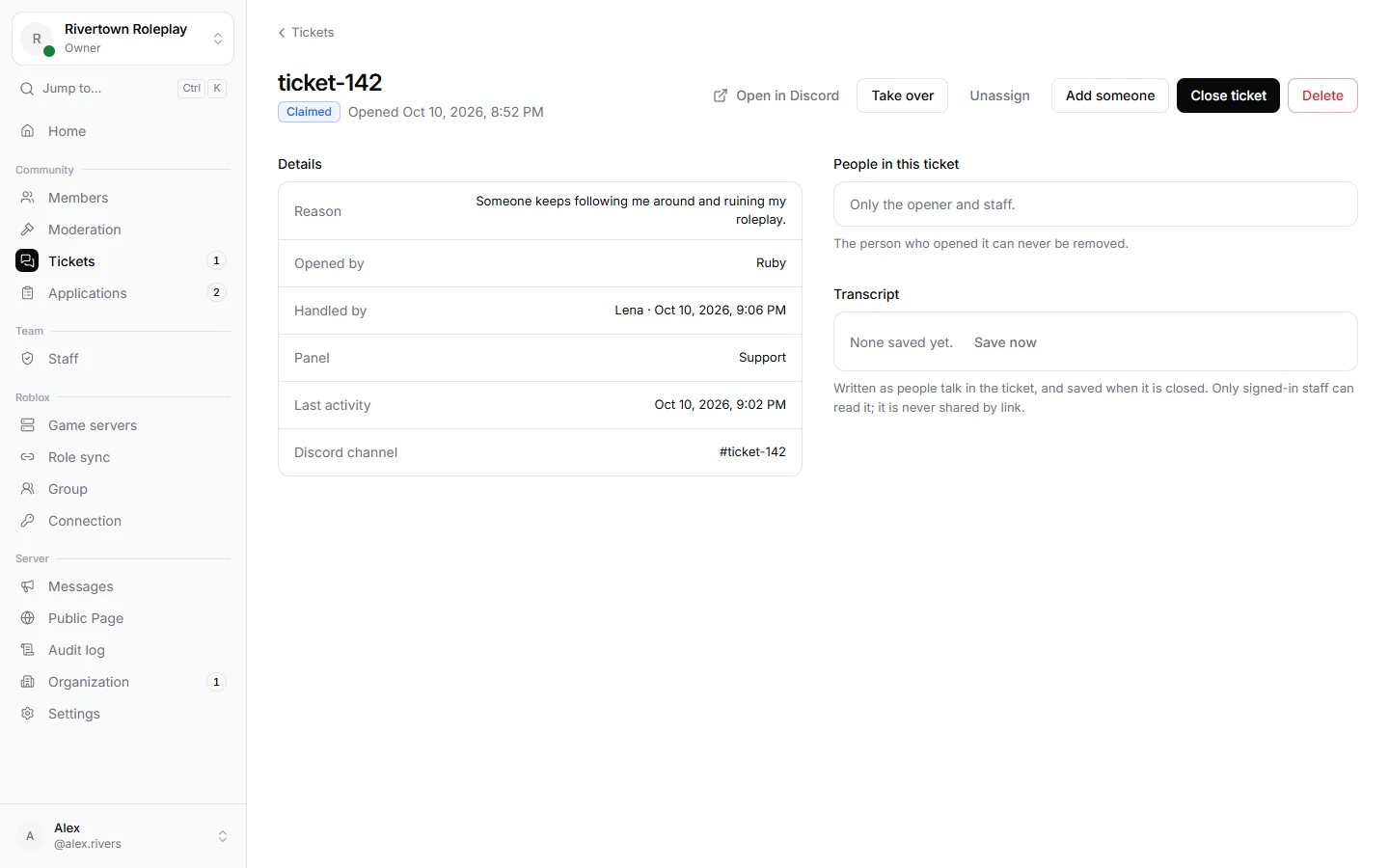
- Use Add someone or
/ticket addto bring another member or staff member into the chat, and/ticket removeto take them out. - If the ticket is about breaking a rule, you can issue a punishment straight from the member’s page. See Moderation.
Closing and transcripts
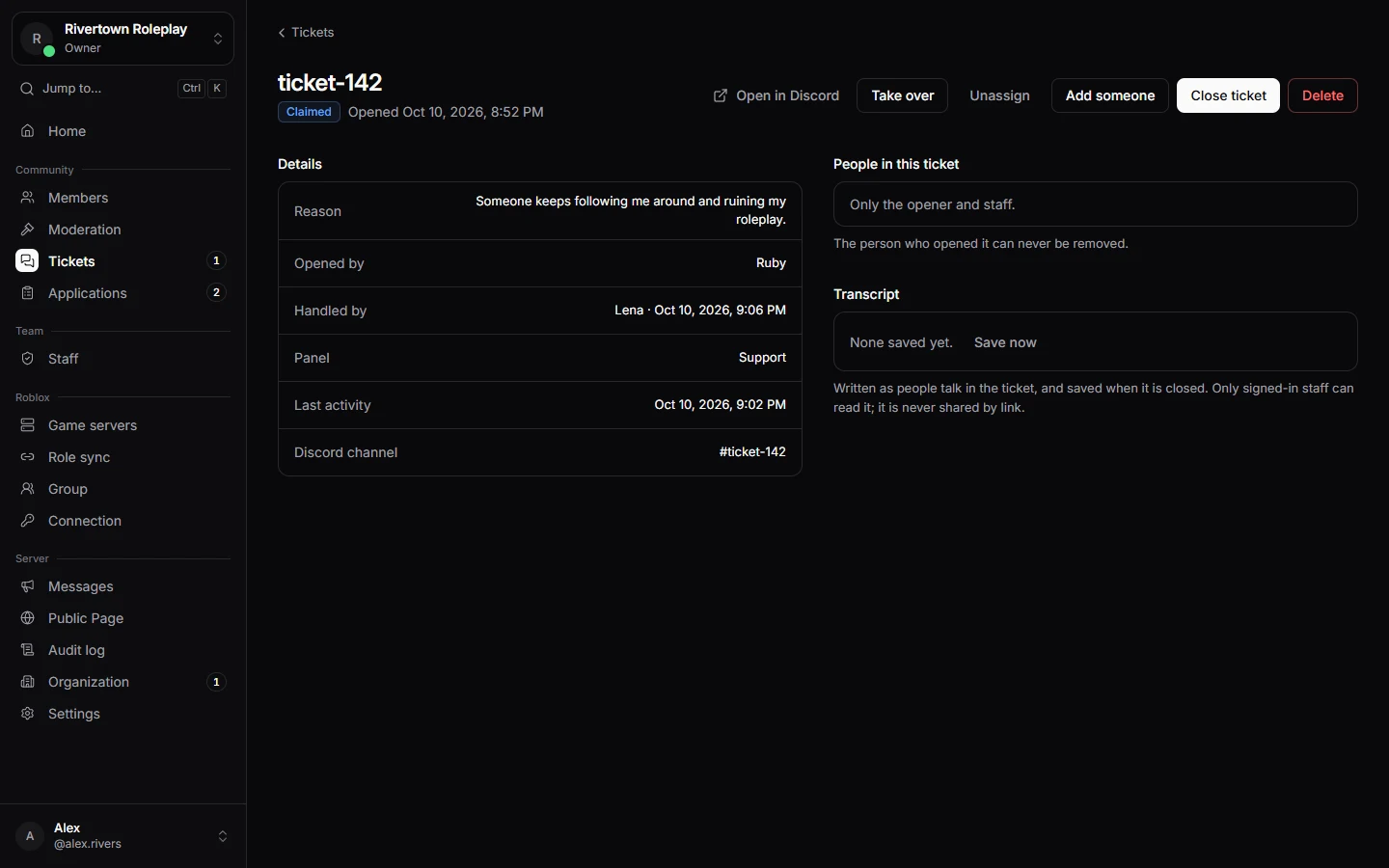
Press Close ticket when it is done, and give a short reason. A transcript, a saved copy of the whole conversation, is kept if your panel is set up that way, or when you press Save a transcript. Closed tickets can be reopened. Delete channel removes the Discord channel; the transcript stays.
Tip
All saved transcripts are under Tickets → Transcripts, so you can look back at old cases.
Still stuck? Get help from the Technified team.