
Moderation
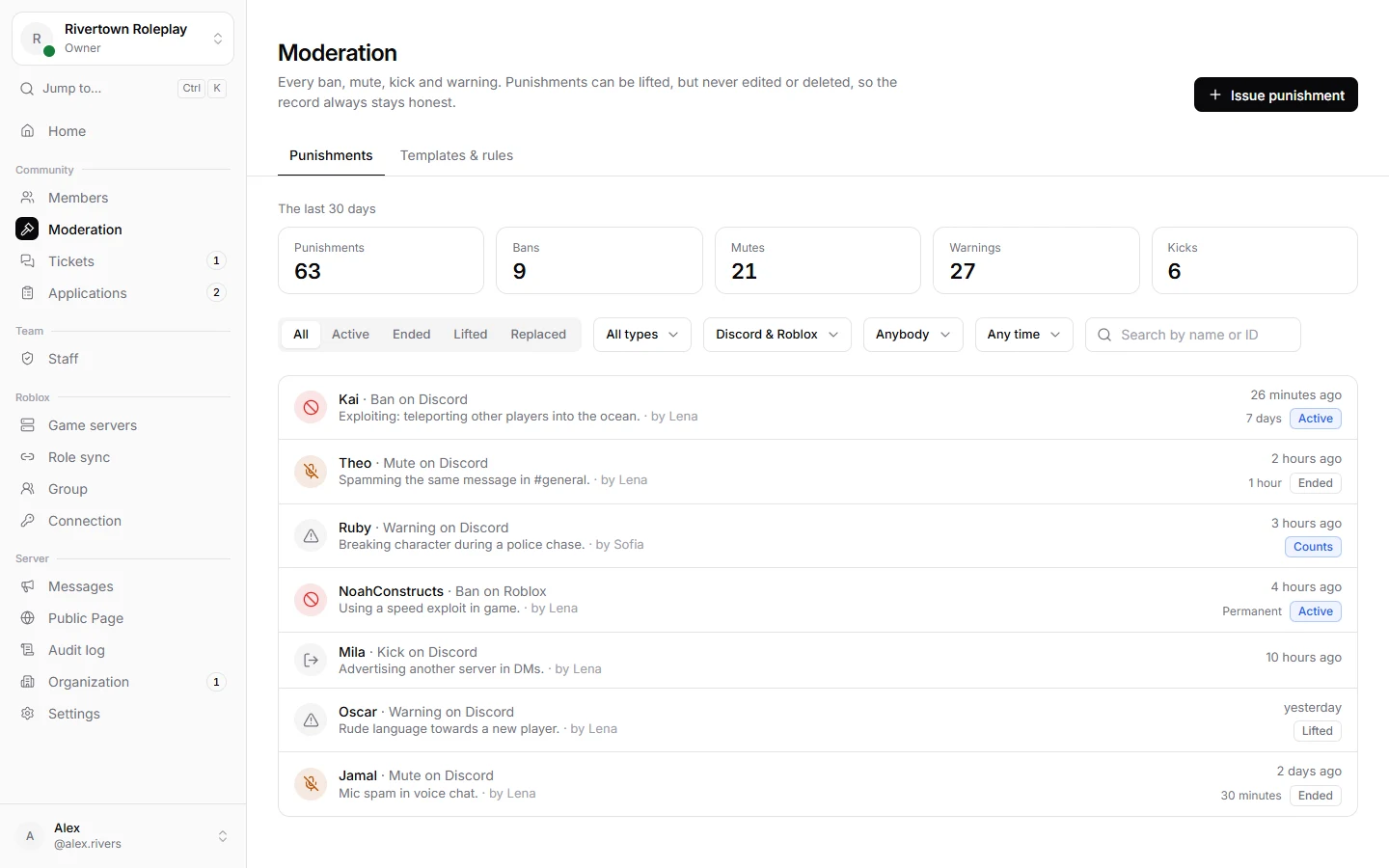
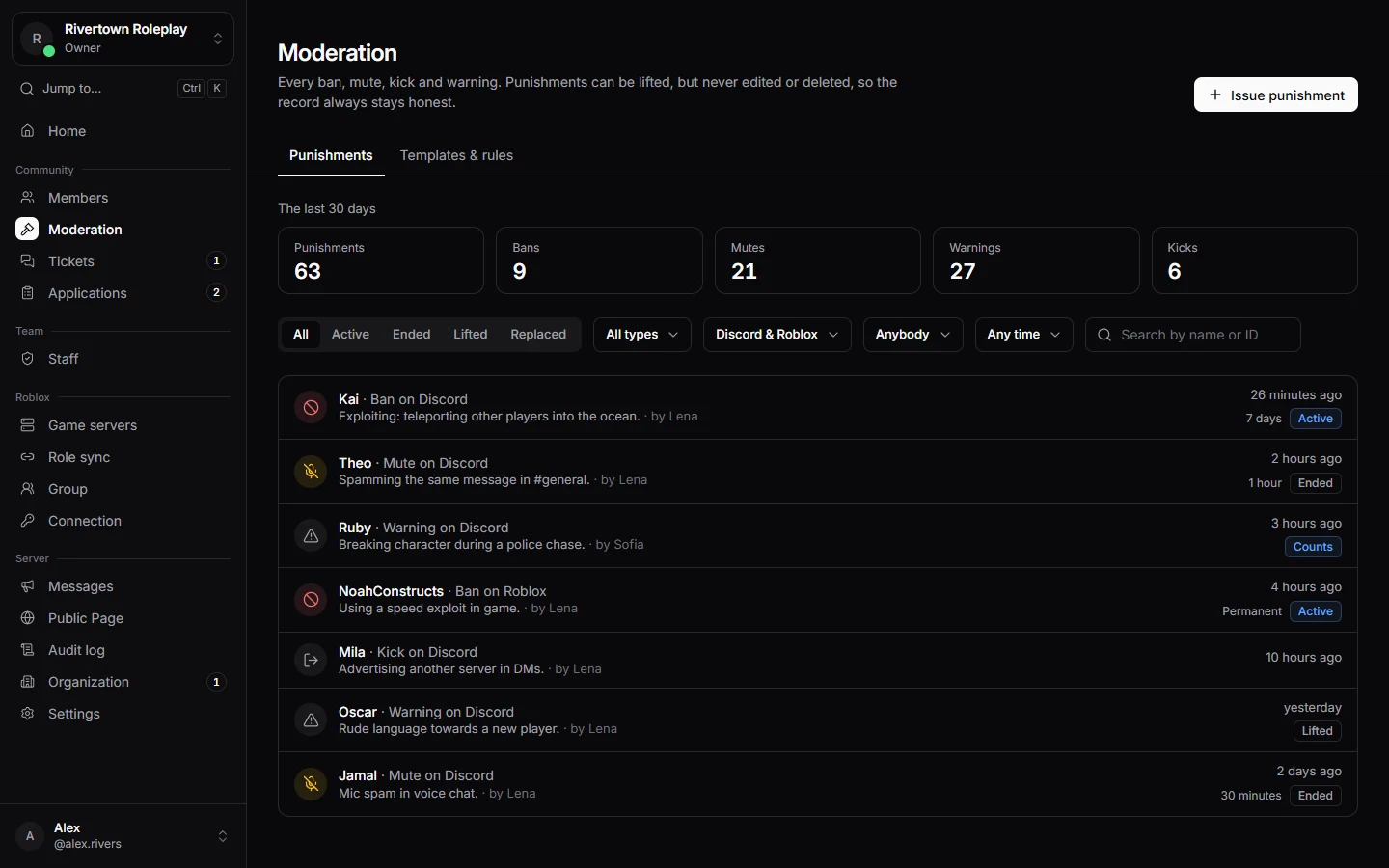
Every ban, mute, kick and warning on your server is kept in one list, whether it was given in Discord, in the dashboard or inside your Roblox game. Punishments can be lifted, but never edited or deleted, so the record always stays honest.
Kinds of punishment
| Kind | What it does |
|---|---|
| Warning | A note on the record. Warnings can stop counting after a while, if your server sets that up. |
| Mute | On Discord, a timeout: the person cannot write or talk. Always has an end, at most 28 days. In game, they cannot chat. |
| Kick | Removes the person from the Discord server or the game. They can come back. |
| Ban | Keeps the person out of the Discord server or your games, for a time or for good. |
| Server ban | Given inside a game only: keeps somebody out of that one live game server until it closes. |
Giving a punishment
From Discord, use a command like /ban, /mute, /warn or /kick. In the dashboard:
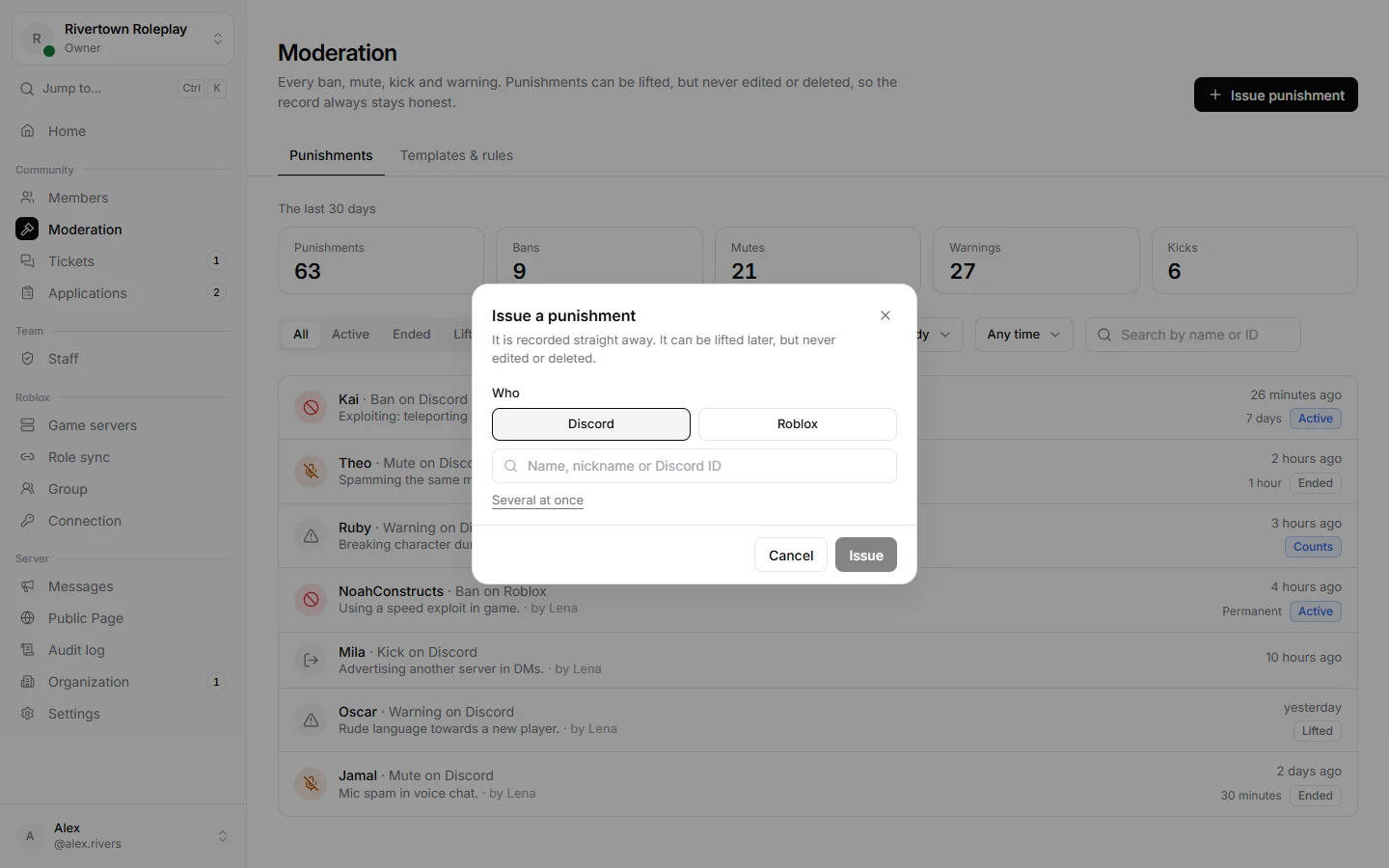
- Open Moderation and press Issue punishment.
- Under Who, choose Discord or Roblox and find the person by name or ID. Several at once lets you punish a list of people in one go.
- Choose What kind of punishment. A Template fills in the kind, length and reason your team agreed on.
- Write the Reason. The person is told this reason, so keep it clear and polite. A Note is only for your team.
- Add Evidence if you have it, like a screenshot. Only your team can open it.
- Choose For how long and press Issue.
Good to know
Who you can punish
Staff can only punish people ranked below them. A moderator cannot ban another moderator of the same rank, and nobody can punish a server administrator. This keeps your team safe from mistakes and from each other.
Lifting a punishment
Open the punishment and press Lift punishment. A reason is required. The person is unbanned or unmuted right away, on Discord and in your games. You can also use /unban or /unmute.
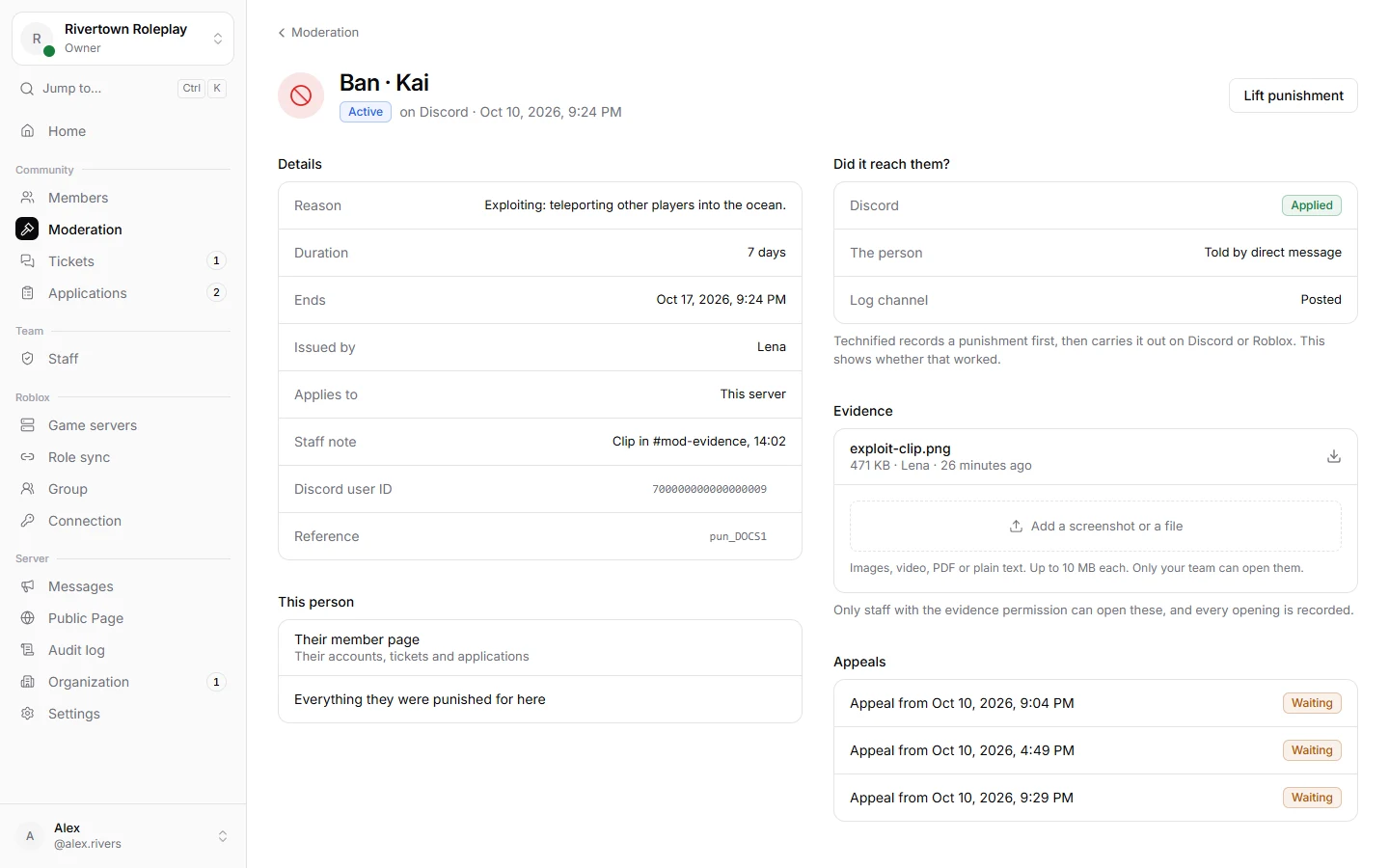
A punishment given by somebody ranked above you needs the extra permission Lift any punishment.
Someone’s history
Open a member under Members, or use /history in Discord, to see everything they ever got, on Discord and on Roblox together. Use /whois to see which Roblox account somebody linked.
Across your organization
If your server is part of an organization that shares punishments, people with the right organization role can choose Every server in the organization under Applies to. The ban then holds on every server of the organization at once.
Still stuck? Get help from the Technified team.