
Your staff tools
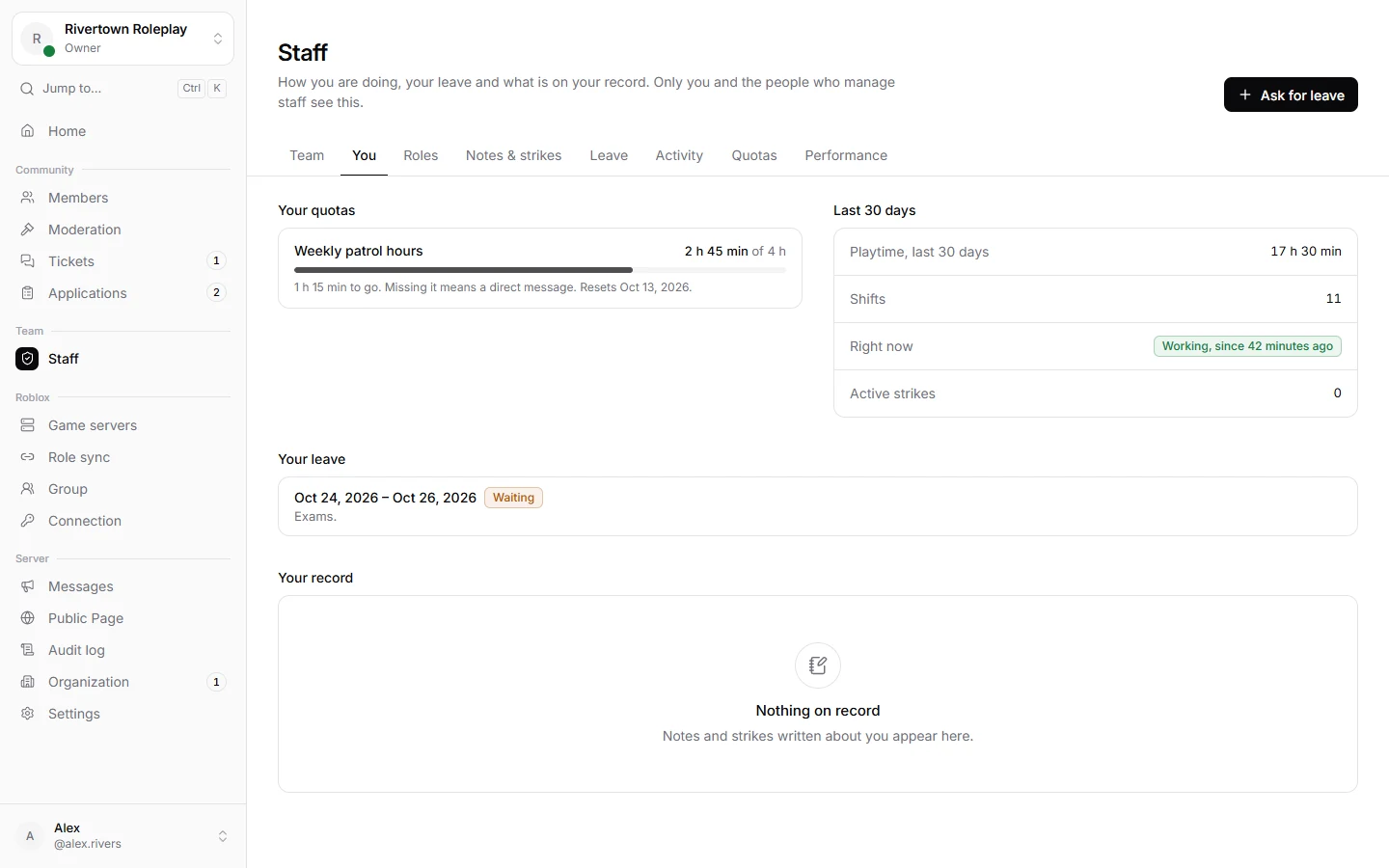
Under Staff → You you find everything about your own place on the team: your hours, your goals, your leave and your record.
Your activity
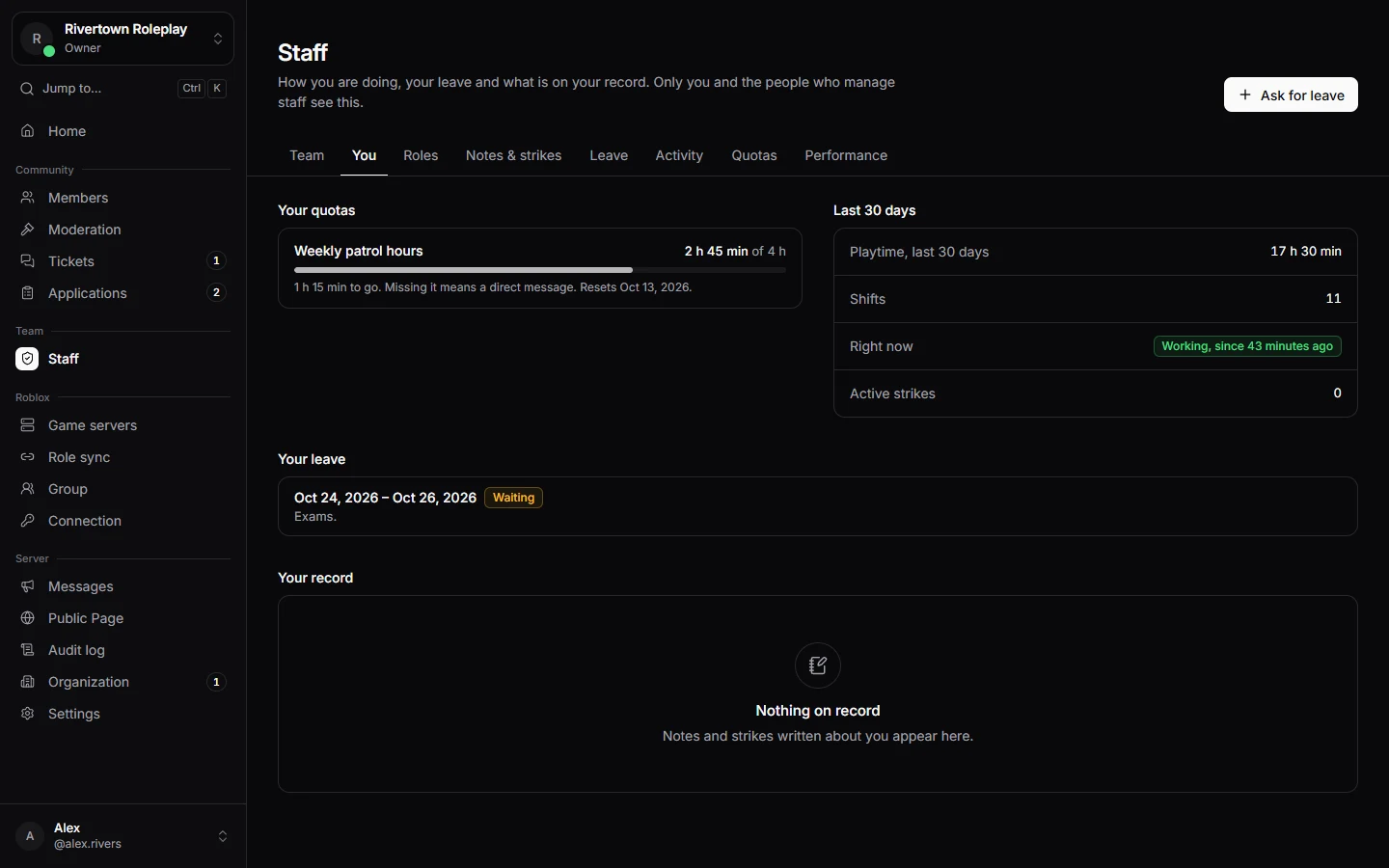
If your server connected its Roblox game, the time you spend in game as staff is counted as shifts. Managers can also add hours by hand. You see your hours for the last 30 days, and whether you are counted as working right now.
Quotas
A quota is a goal, like four hours every week. Your page shows how far along you are. Leave that was approved is taken off the goal, so you are never punished for time off. If you miss a quota, your server decides what happens: a message, a review, or a strike.
Asking for leave
- Open Staff → Leave and press Ask for leave, or use
/leave requestin Discord. - Fill in the First day, the Last day and a short Reason.
- A manager approves or declines it, and you get a direct message with the answer.
/leave list shows what you asked for, and /leave cancel takes a request back. /quota shows how your quotas are going.
Notes and strikes
Managers can write notes (to remember something about a staff member) and strikes (a formal warning for staff). You see the strikes on your own record and when they stop counting.
Still stuck? Get help from the Technified team.