
Reviewing applications
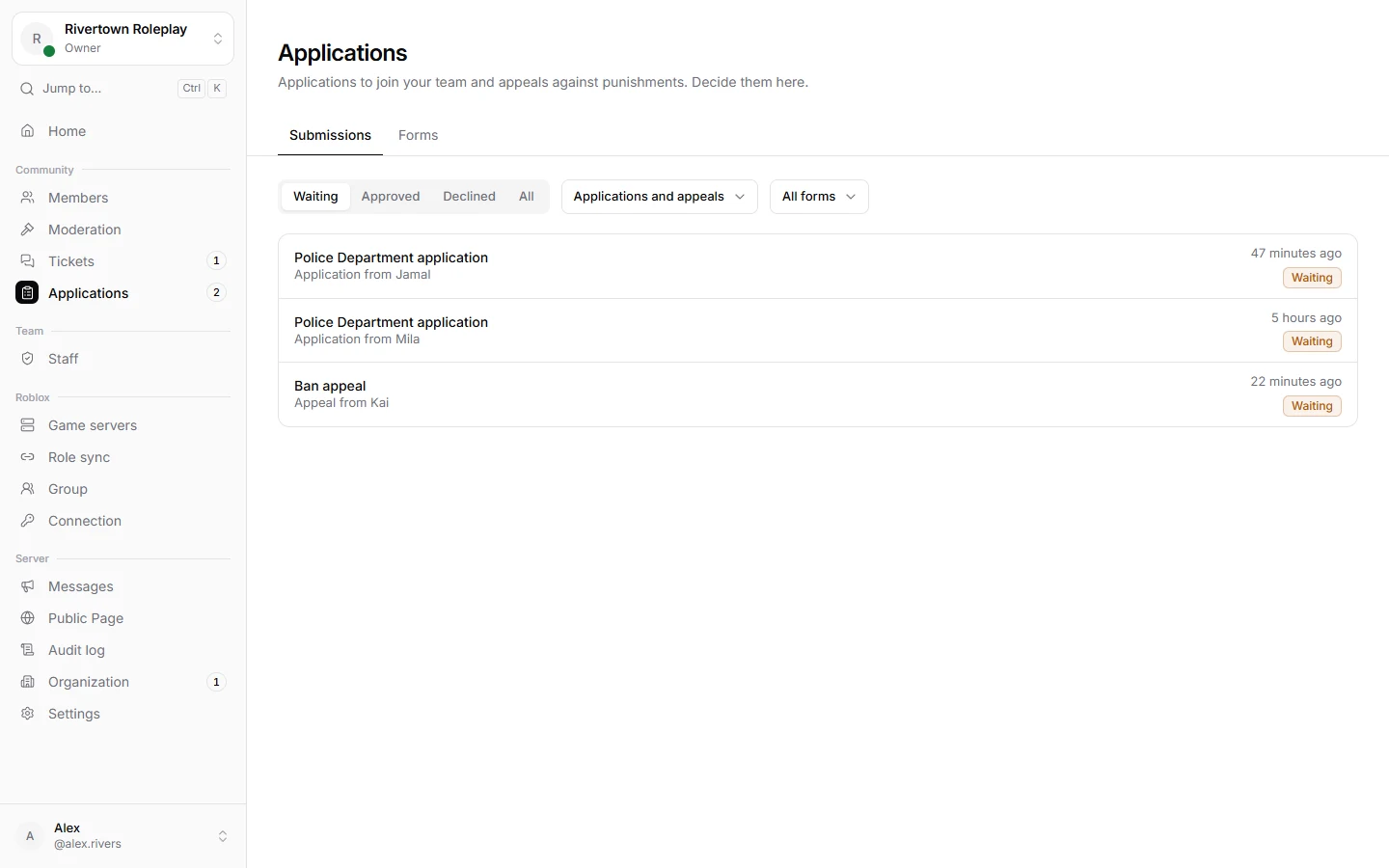
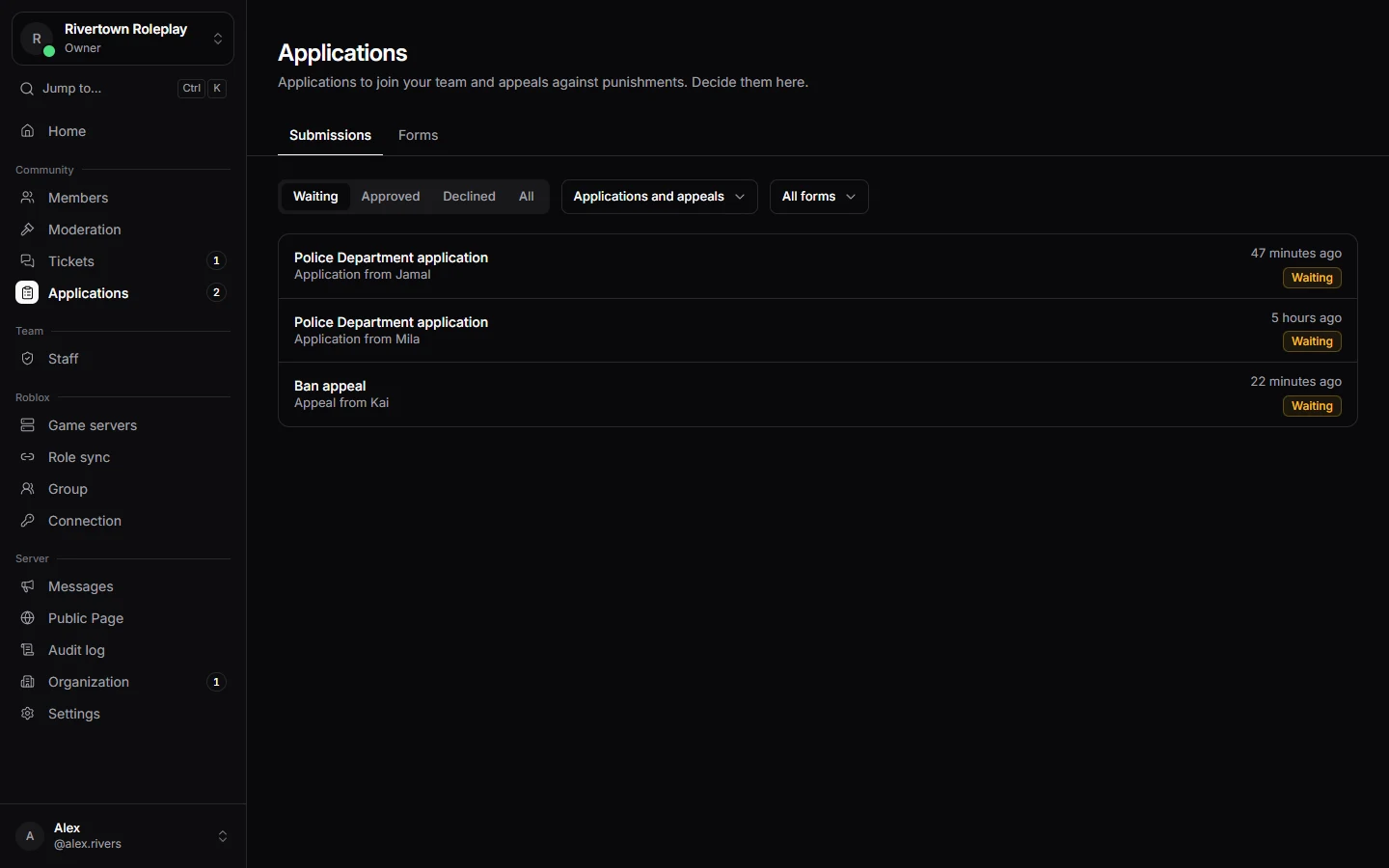
Applications and appeals arrive under Applications. Read them, talk about them with your team, and decide.
Reading a submission
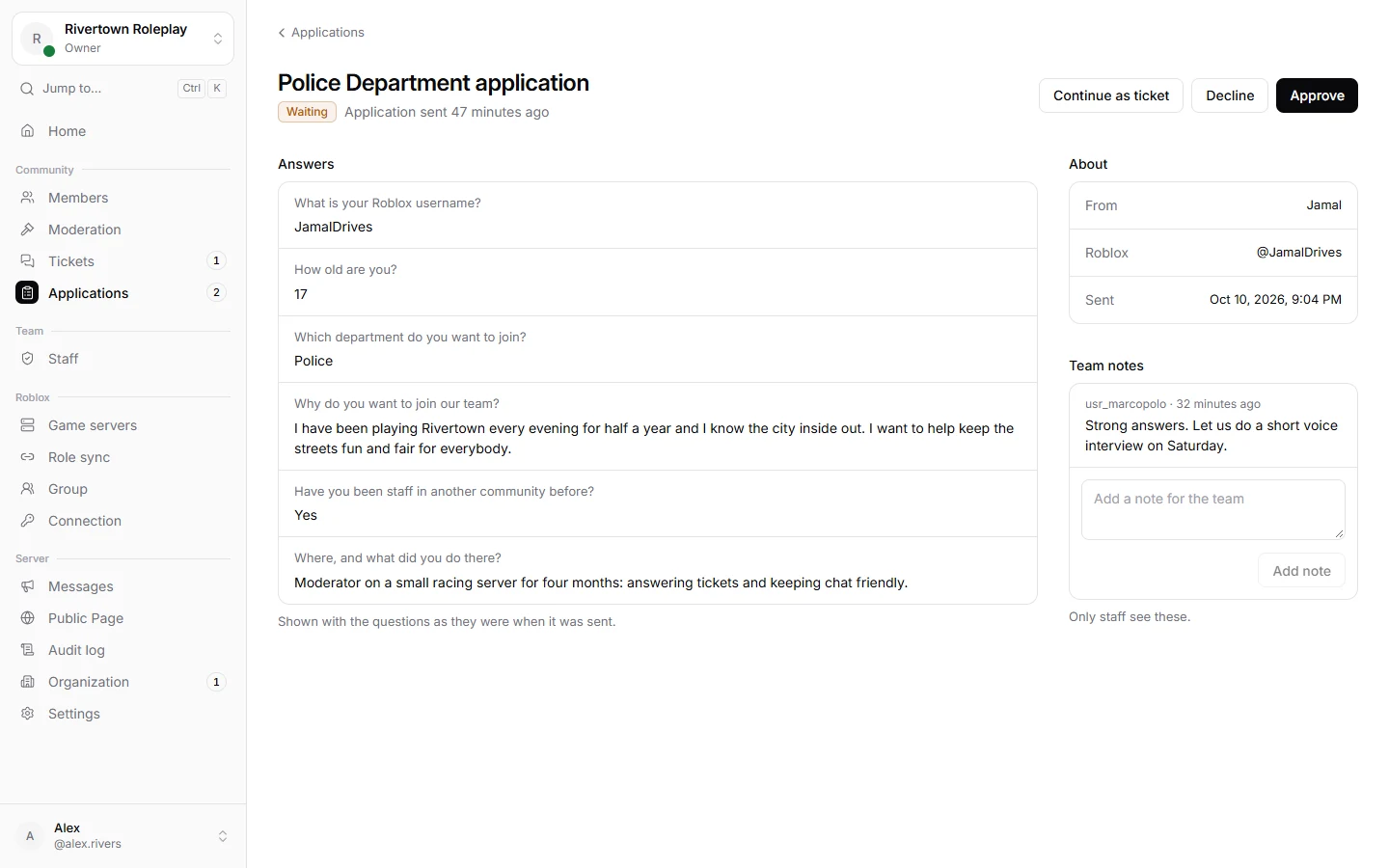
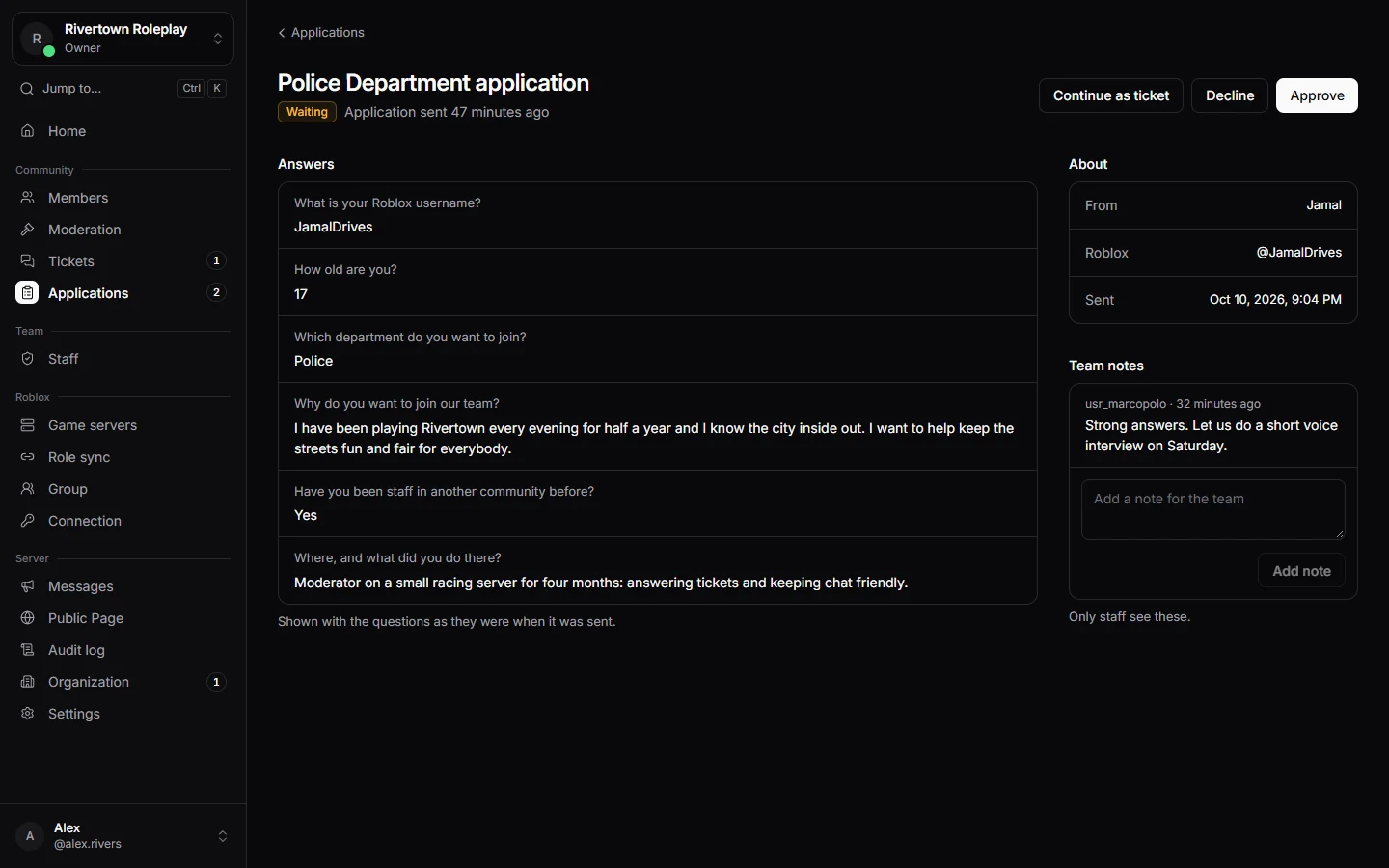
Open one to see every question with the answer. Pictures people attached show right inside the answer. On the side you see who sent it, when, and their linked Roblox account.
Talking about it
Under the answers, your team can leave notes. Only staff see them. It is a good place to agree on a decision, or to plan an interview.
Deciding
- Press Approve or Decline.
- Write a note if you like. The person sees it in the message they get.
- For an appeal you can tick Also lift the punishment, so the ban or mute ends at the same time.
The person gets a direct message with the decision straight away. If you want to talk to them first, use Continue as ticket; it opens a ticket with them.
Good to know
Decisions are final, and every decision is recorded with who made it.
Still stuck? Get help from the Technified team.