
Organizations
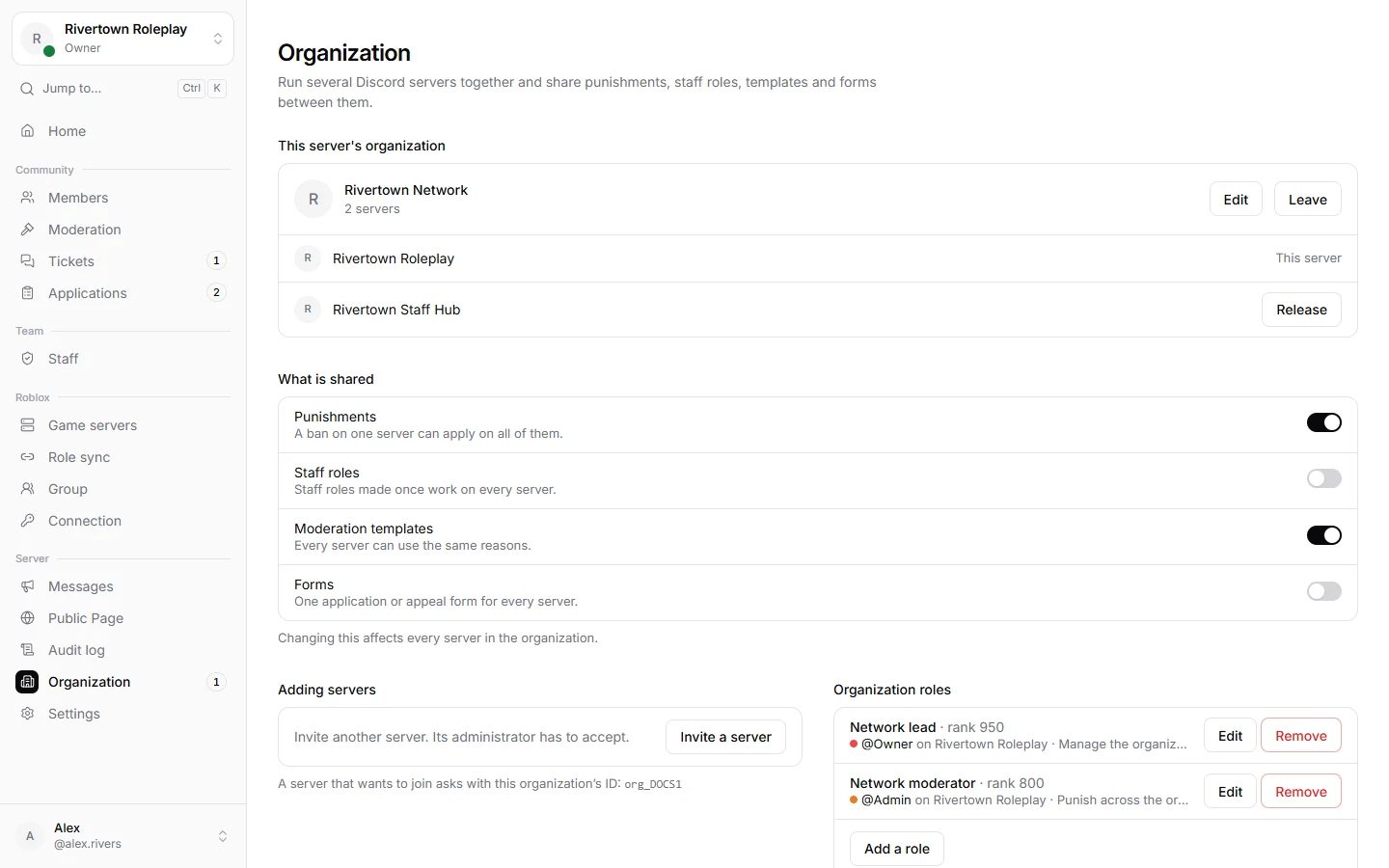
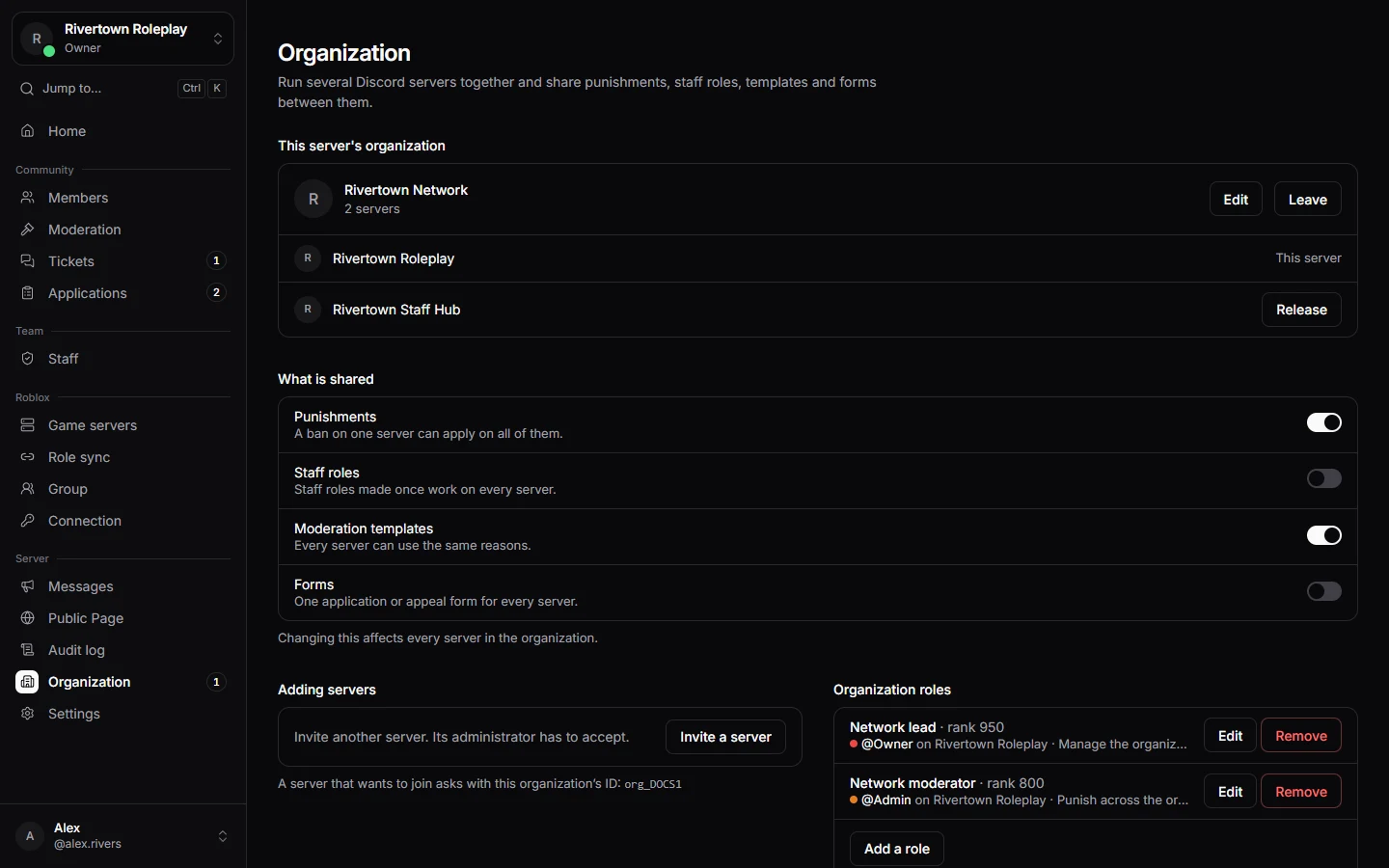
Run several Discord servers together, for example a main server and a staff server, and share punishments, staff roles, templates and forms between them.
Joining servers together
Every server starts in an organization of its own. To bring two together, both sides have to agree:
- The organization invites a server with Invite a server, and that server’s administrator accepts with Join.
- Or a server asks with Ask to join another, and the organization accepts.
A number next to Organization in the sidebar tells you when an invitation or a request is waiting.
What is shared
| Shared | What it means |
|---|---|
| Punishments | A ban on one server can apply on all of them. |
| Staff roles | Staff roles made once work on every server. |
| Moderation templates | Every server can use the same reasons. |
| Forms | One application or appeal form for every server. |
Organization roles
Who runs the organization is decided by organization roles: a Discord role on one of its servers that gives permissions on all of them. Only organization roles can manage the organization or punish across it. Server administrators and staff roles act on their own server only.
Good to know
Leaving
A server’s administrator can press Leave at any time. The server keeps everything it owns and stands on its own again. Bans the organization decided stay with the organization.
Still stuck? Get help from the Technified team.