
Log channels and the audit log
Two ways to keep track: log channels post to Discord as things happen, and the audit log in the dashboard keeps everything your team changed.
Log channels
Under Settings → General → Log channels, pick a channel for each kind of event. You can send everything to one channel or split it up.
| Group | Events |
|---|---|
| Moderation | Bans, lifted bans, mutes, lifted mutes, warnings, kicks. |
| Tickets | Opened, closed, deleted. |
| Forms | New and decided applications, new and decided appeals. |
| Staff | Strikes, leave requests, leave decisions. |
| Server | Verifications, settings changes, chat filter hits, game server commands. |
Each log message says what happened, to whom, why and who did it, often with a button to open it in the dashboard. Nobody is pinged.
The audit log
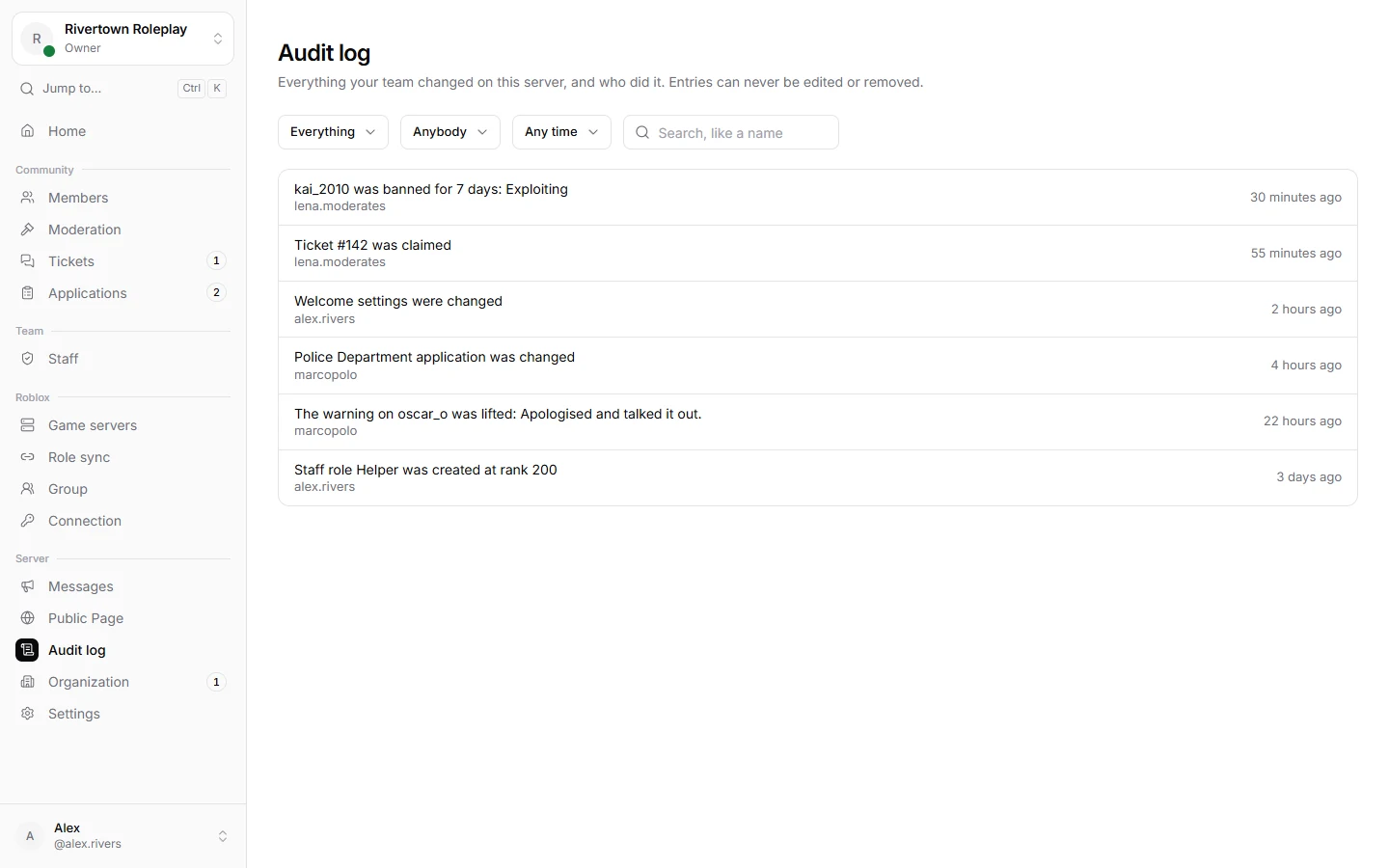
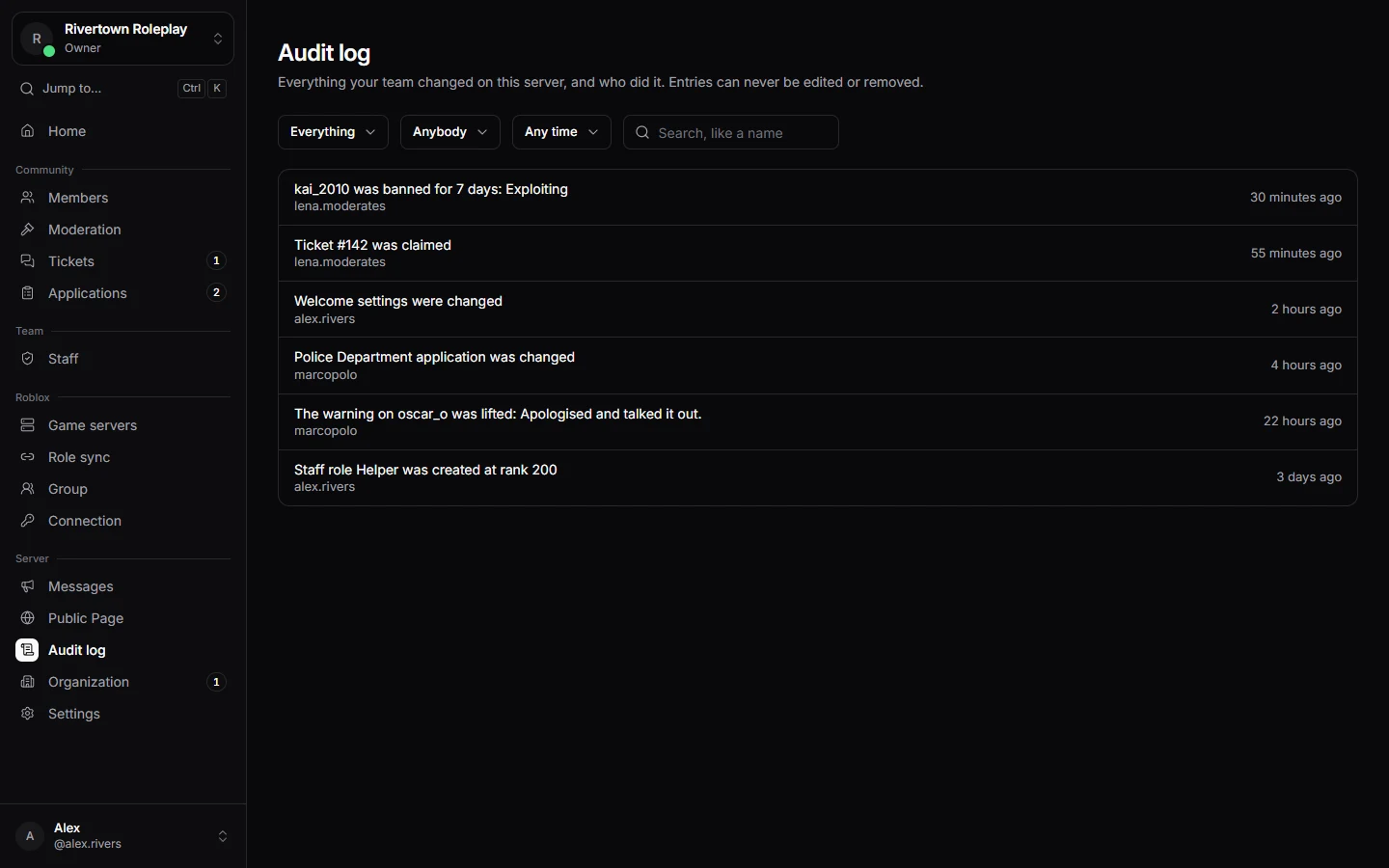
Audit log in the sidebar lists every change made through Technified, with who did it and when. Filter by Area, Who and When.
Still stuck? Get help from the Technified team.