
Chat filters
Chat filters stop unwanted messages before anybody reads them. They use Discord’s own AutoMod, so they work even when Technified is busy.
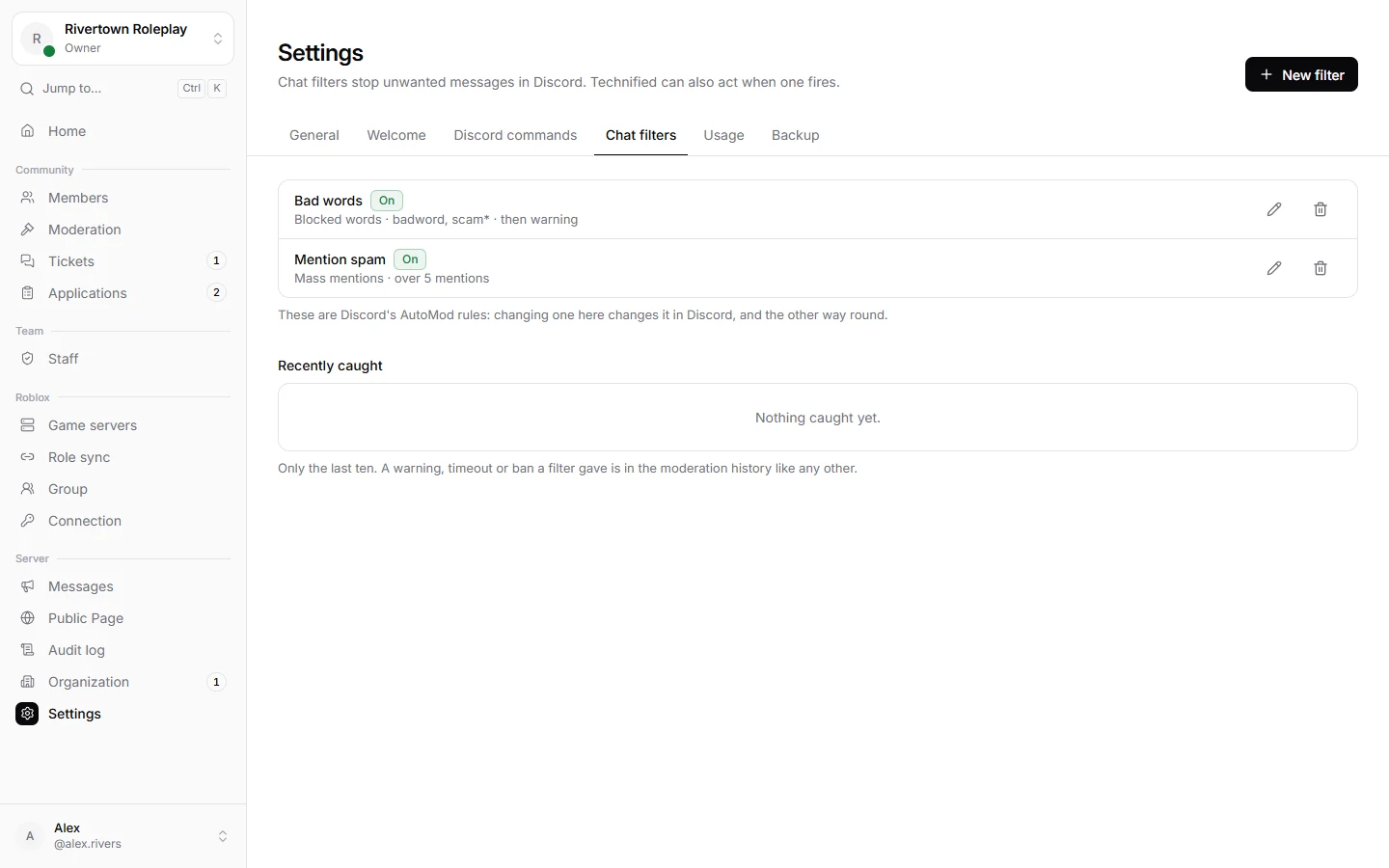
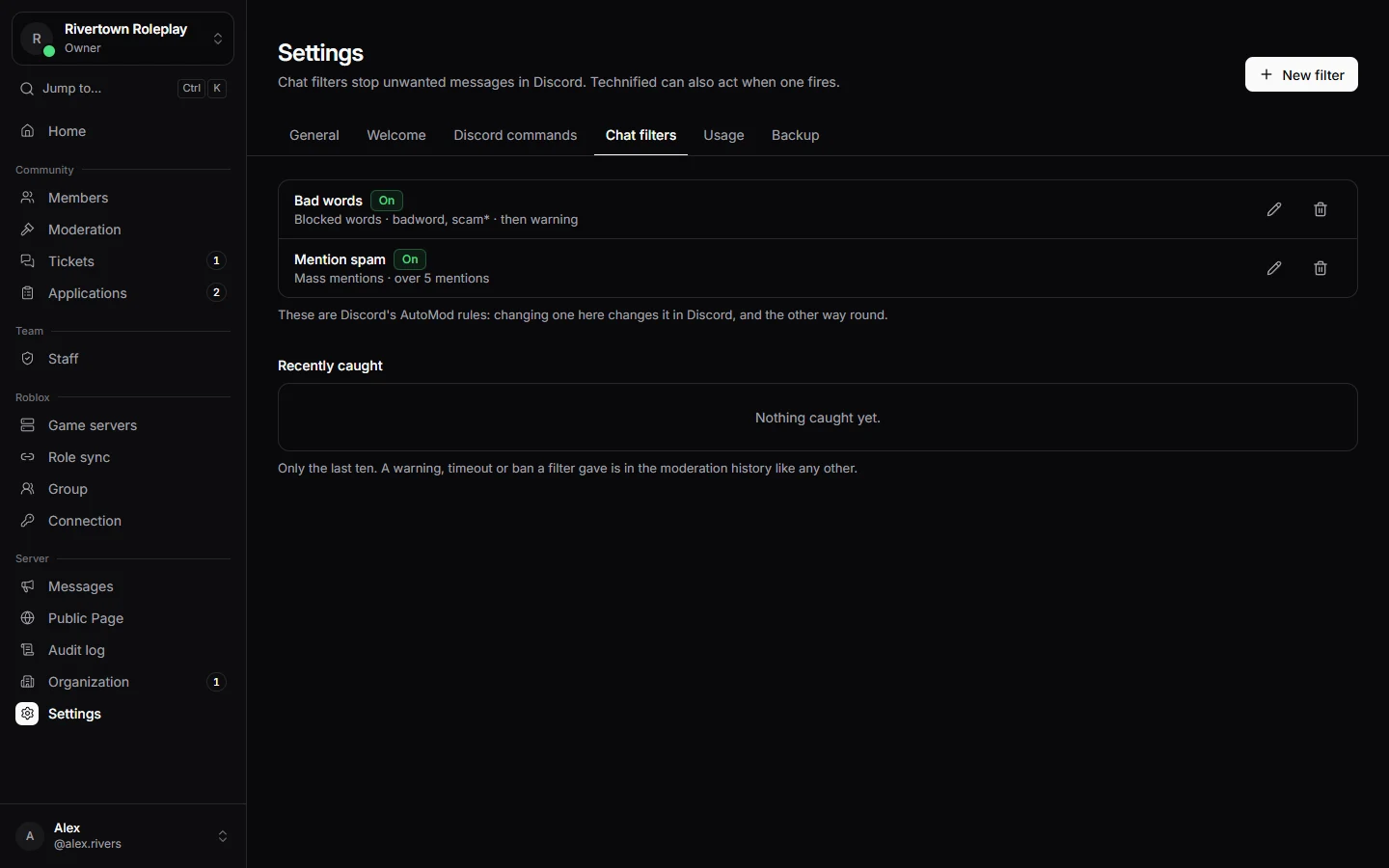
Making a filter
- Open Settings → Chat filters and press New filter.
- Choose What it catches: words you choose, ready made lists (bad language, sexual content, slurs), spam, or too many mentions.
- Choose what Discord does: block the message, alert a channel, or time the member out.
- Choose what Technified does too (see below), and save.
What Technified adds
- Send the member a direct message explaining what happened.
- Record a warning, time them out, or ban them, so it shows up in their history.
- Post what was caught to a channel for your team.
Your moderators and certain channels can be left out under Not checked. Recently caught shows the latest messages a filter stopped.
Tip
A word with a
* catches every word that starts with it, so scam* also catches “scammer”.Still stuck? Get help from the Technified team.