
Connecting your Roblox game
Connect your Roblox game and your bans work in game too, staff are known in game, and you can see and message every live server from the dashboard.
Installing
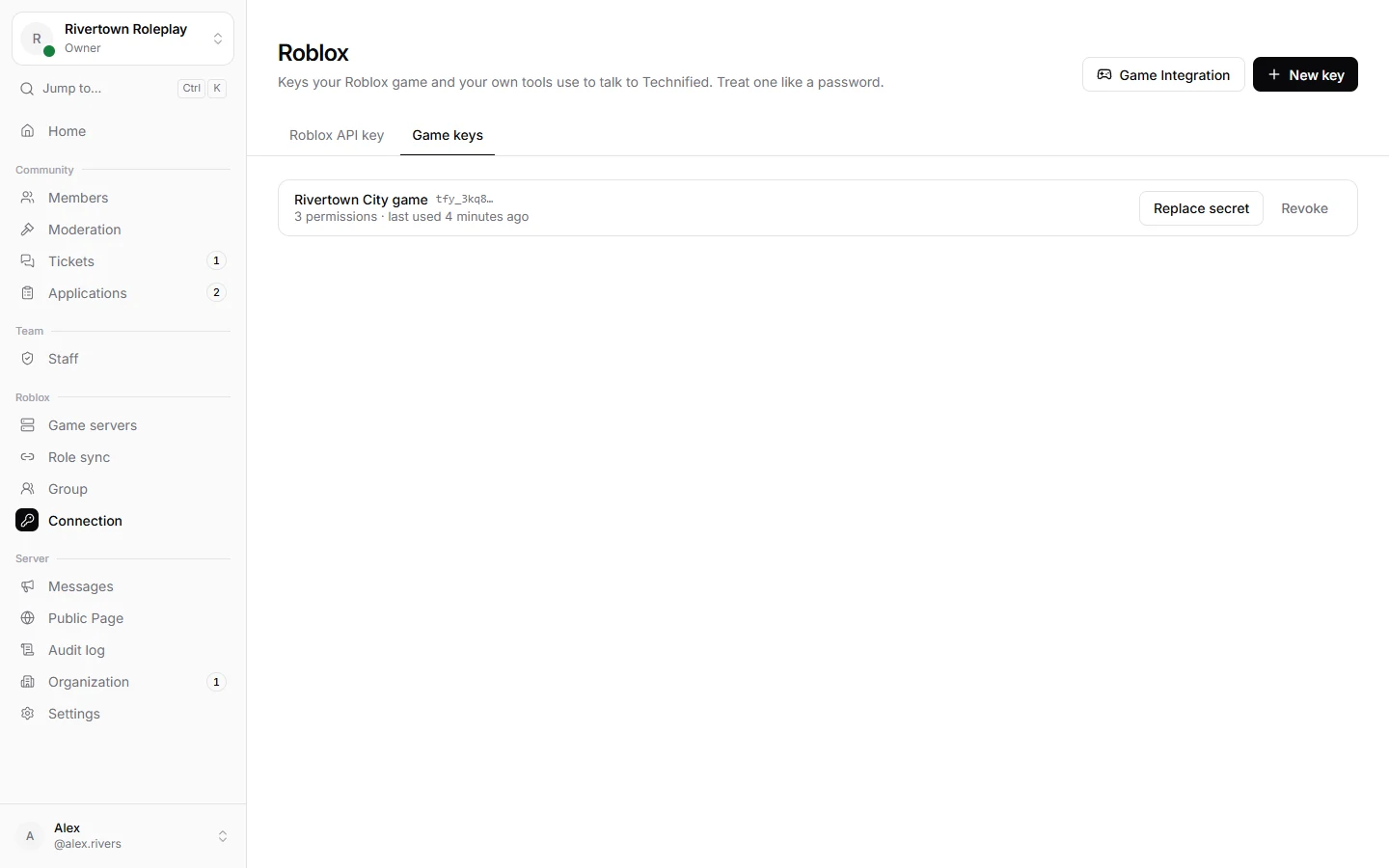
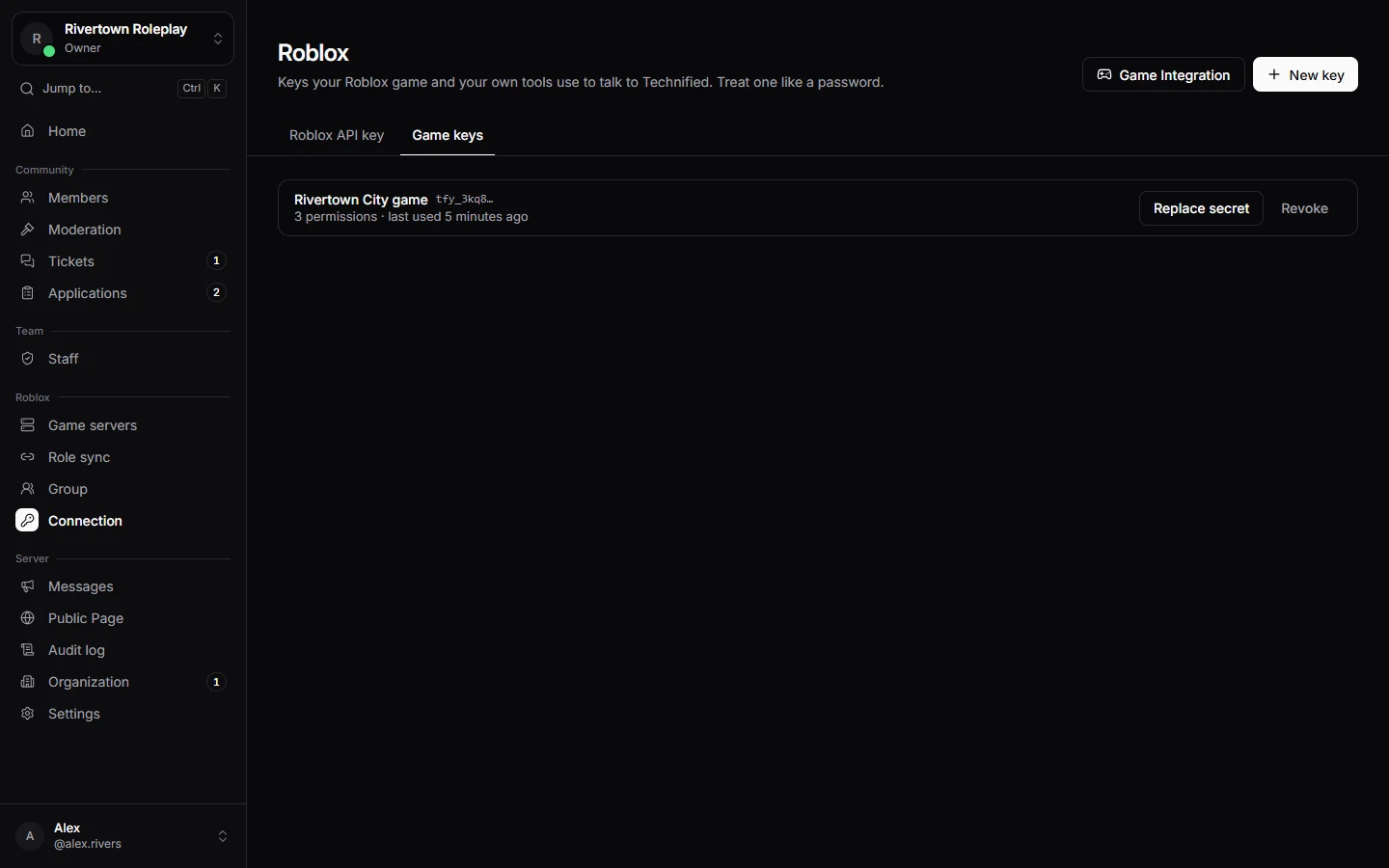
- In the dashboard open Connection → Game keys and press Game Integration.
- Choose your admin system: Adonis, or None, or another one. Technified makes a key for the game and one line of code.
- Open your place in Roblox Studio.
- Open the command bar: View, then Command Bar.
- Paste the code and press Enter. The output says that Technified was installed.
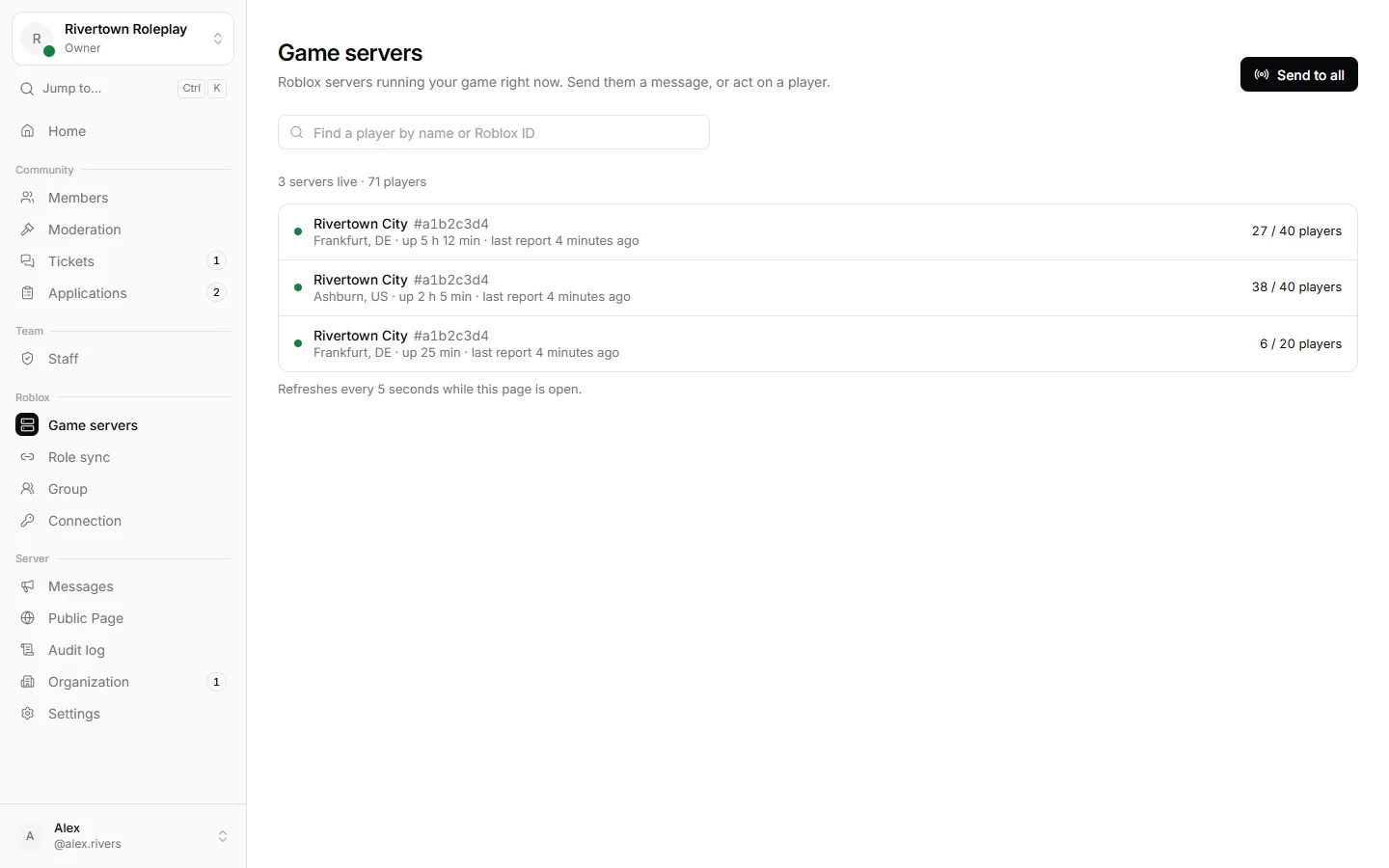
- Publish the place. Servers that start from then on show up under Game servers.
Good to know
The game only gets a small loader. The real Technified module is loaded from Roblox each time, so your game gets updates by itself and you never have to install again.
What works in game
- Banned players are turned away when they join, with the reason and where to appeal.
- Your staff are recognised by the Discord account they linked, with their rank.
- Moderators can punish and lift in game, and it shows up in the same list as everything else.
- Time staff spend in game counts as shifts for their quotas.
Game servers
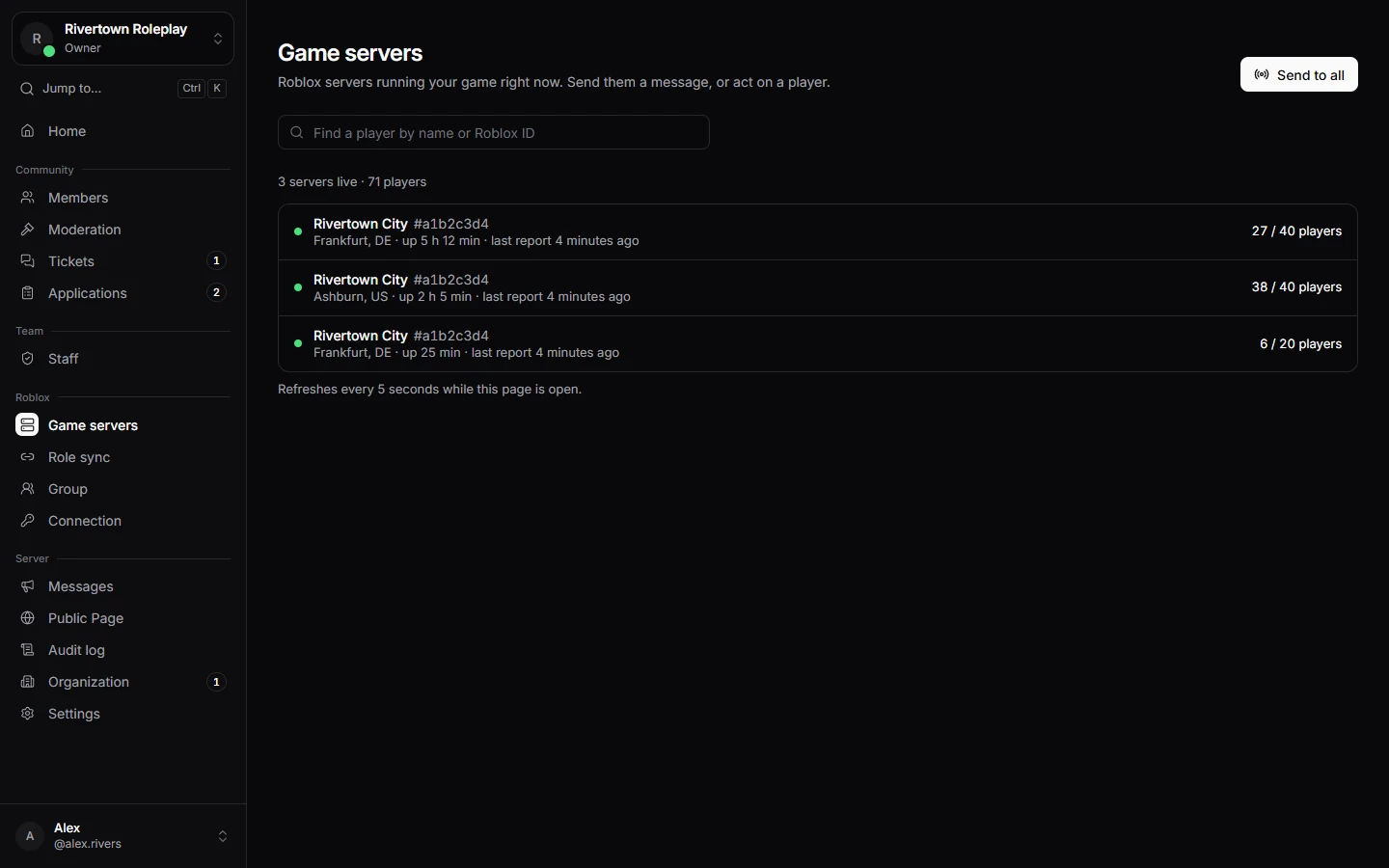
Game servers lists every server running right now, with its players. You can find a player across all servers, send an announcement or a message, or shut a server down.
Still stuck? Get help from the Technified team.