
Welcoming new members
Greet everybody who joins your Discord server, and give them their first roles the moment they arrive.
Setting it up
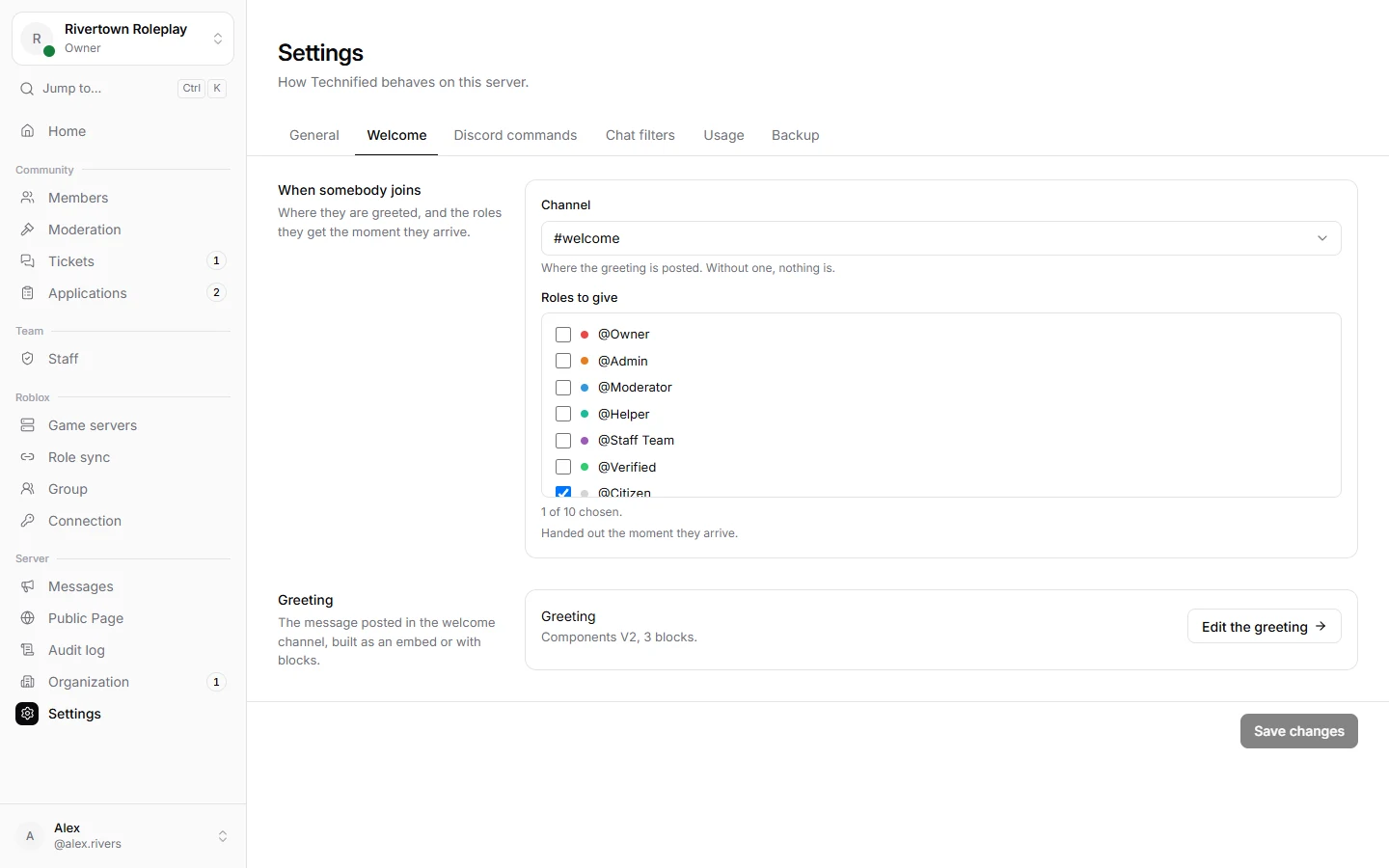
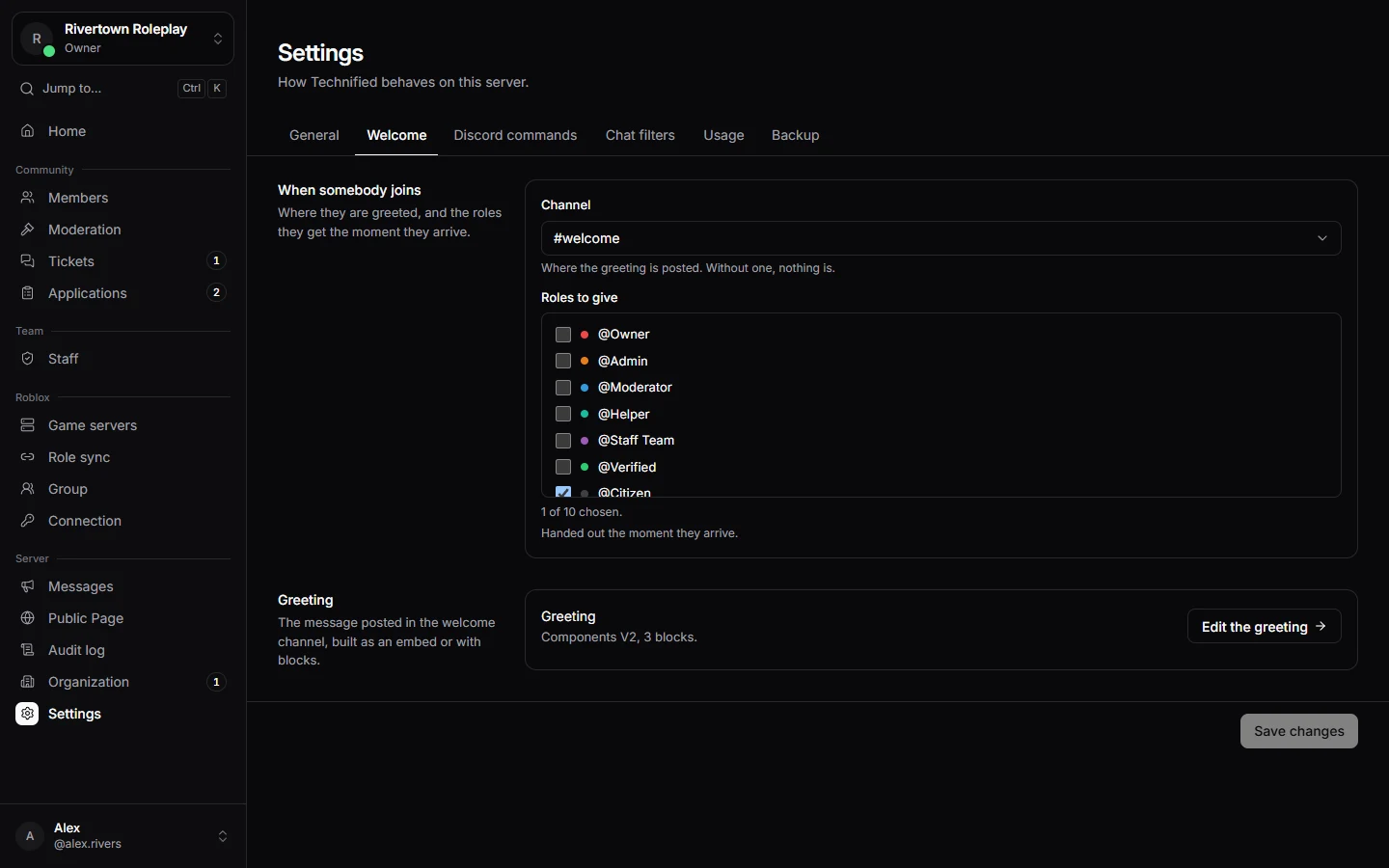
- Open Settings → Welcome.
- Choose the Channel where the greeting is posted, and the Roles to give.
- Press Save changes.
- Press Write a greeting (or Edit the greeting) to build the message itself.
Building the greeting
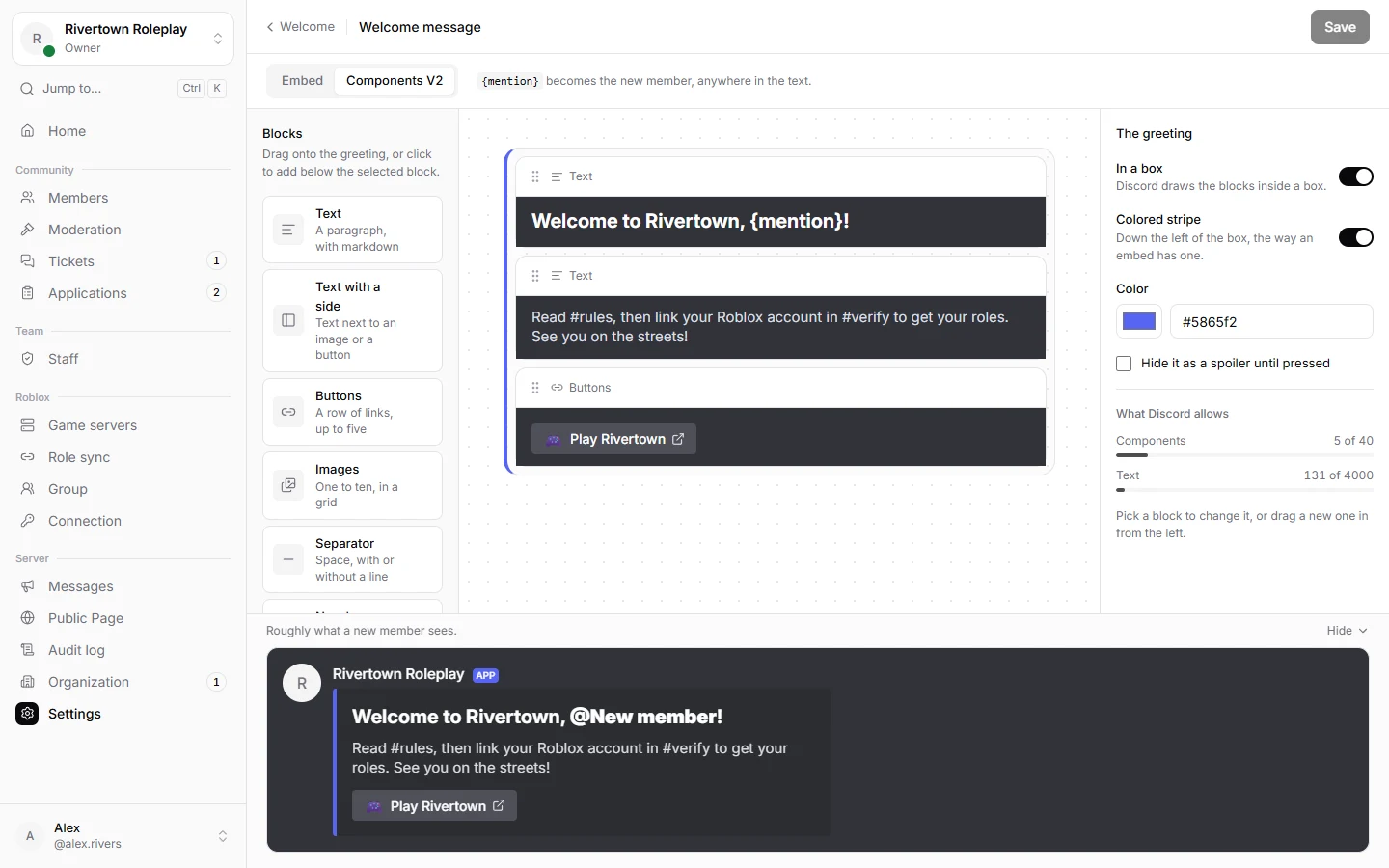
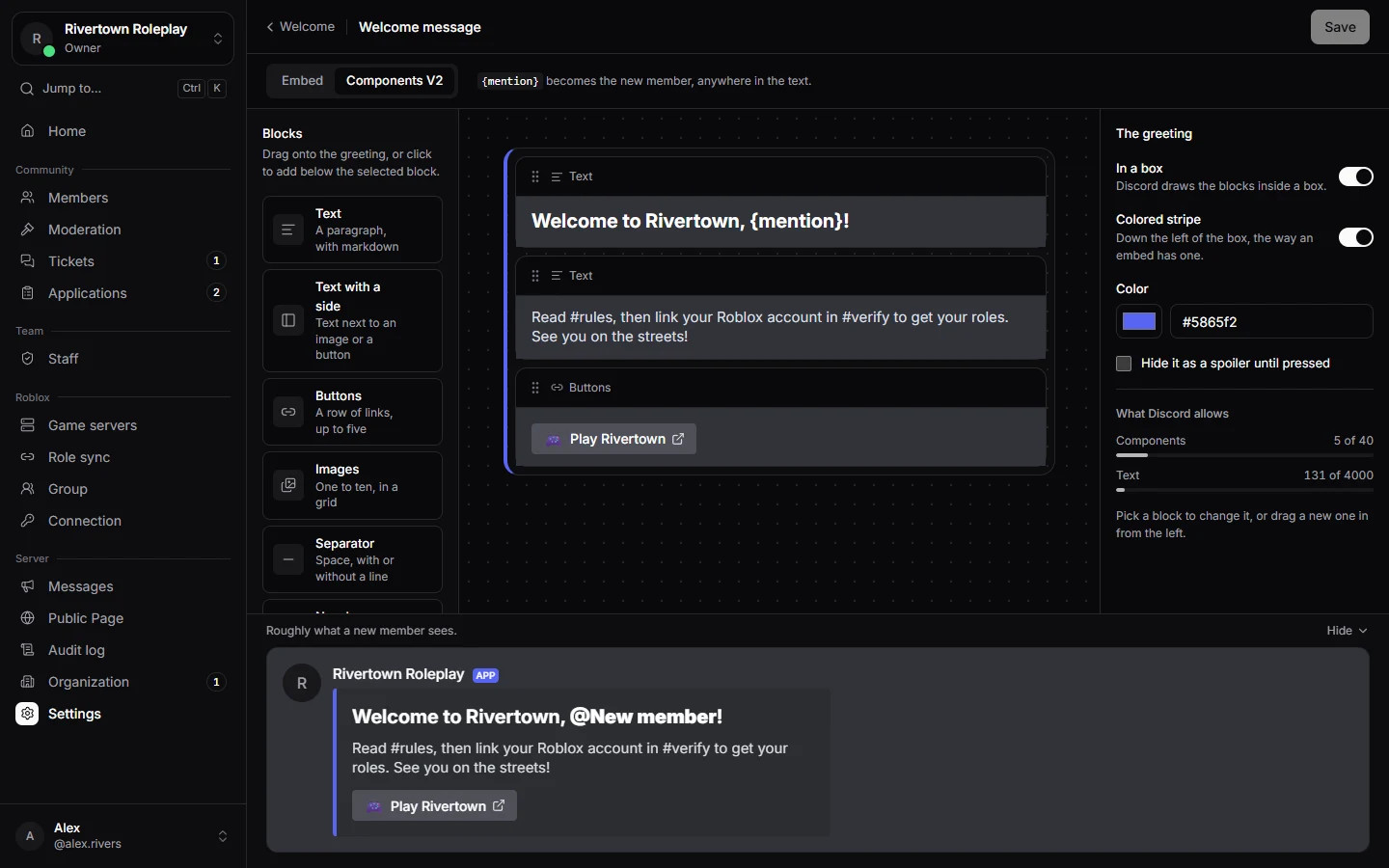
The greeting can be an Embed (a box with a title, text and picture) or Components V2 (blocks of text, pictures and link buttons). A preview on the right shows roughly what new members see.
Write {mention} anywhere in the text and it becomes the new member, with a ping, so they notice the greeting.
Good to know
If your server has an unverified role, new members get it too, until they link their Roblox account. Bots that join get nothing.
Careful
If the Welcome tab shows a yellow note that Technified does not hear anybody join, contact Technified support: the bot is missing a setting.
Still stuck? Get help from the Technified team.