
Messages
Build your rules, announcements and other posts in the dashboard, post them with the bot, and keep them up to date.
Making a message
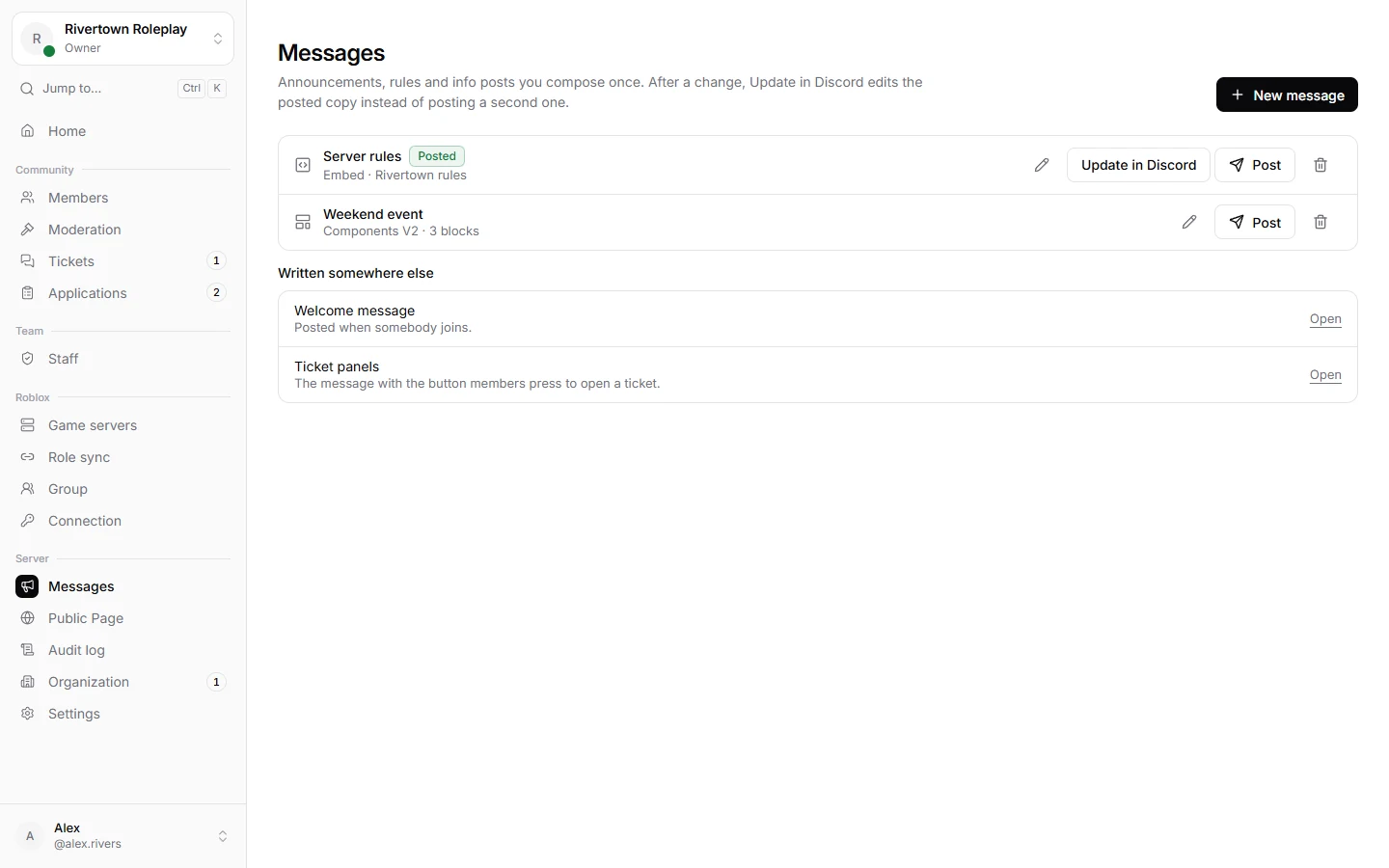
- Open Messages and press New message.
- Give it a Name (only you see it) and pick what kind: Embed or Components V2.
- Build it. The preview shows how it will look.
- Choose a channel and post it.
Changing a posted message
Edit the message and press Update in Discord. The message in Discord changes in place, so links to it keep working and nobody gets pinged again.
Good to know
The welcome greeting and ticket panels are built where they are set up, under Settings → Welcome and Tickets → Panels.
Still stuck? Get help from the Technified team.