
Your public page
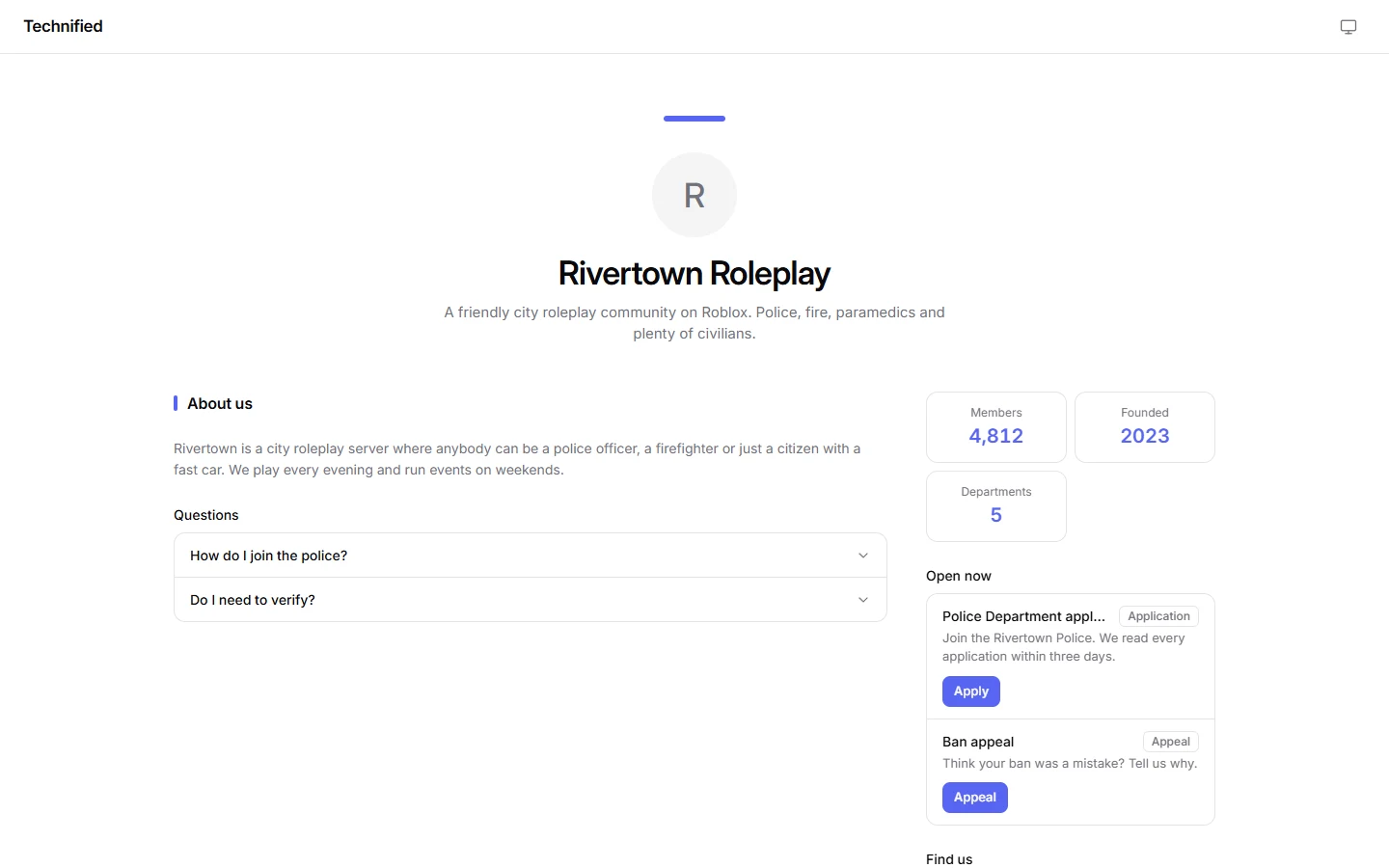
Your public page tells people about your community, even before they join: who you are, what you play, and what is open to apply for.
Turning it on
- Open Public Page and switch on Use a public page.
- Write a Short description.
- Choose its Address. Larger servers can pick their own name instead of a number.
- Press Build the page to fill it.
Building the page
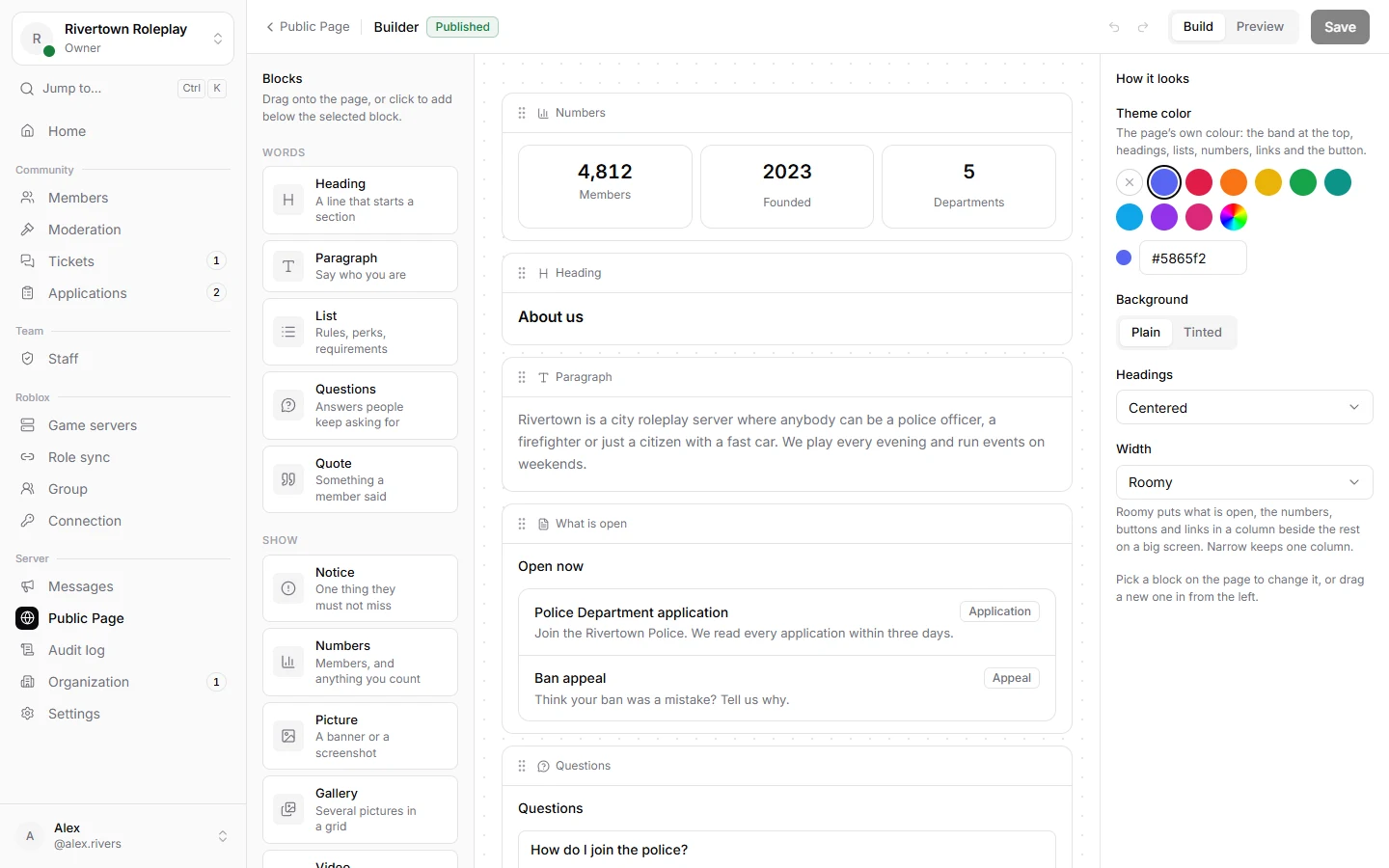
Add blocks and put them in the order you like: headings, paragraphs, lists, questions and answers, a notice, numbers like your member count, pictures, a gallery, a video, a quote, your team, links, a button, and What is open, which lists your open applications and appeals by itself.
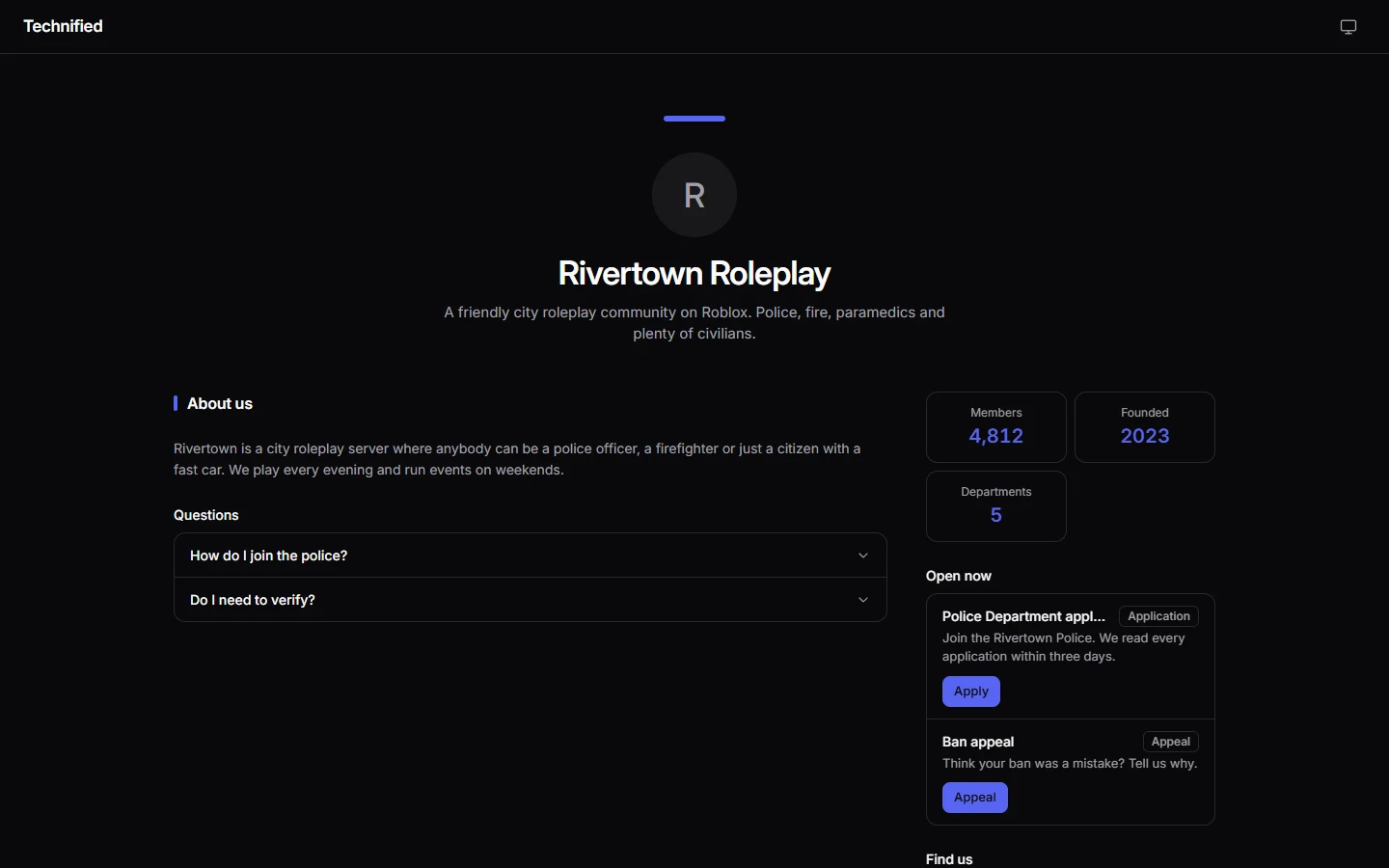
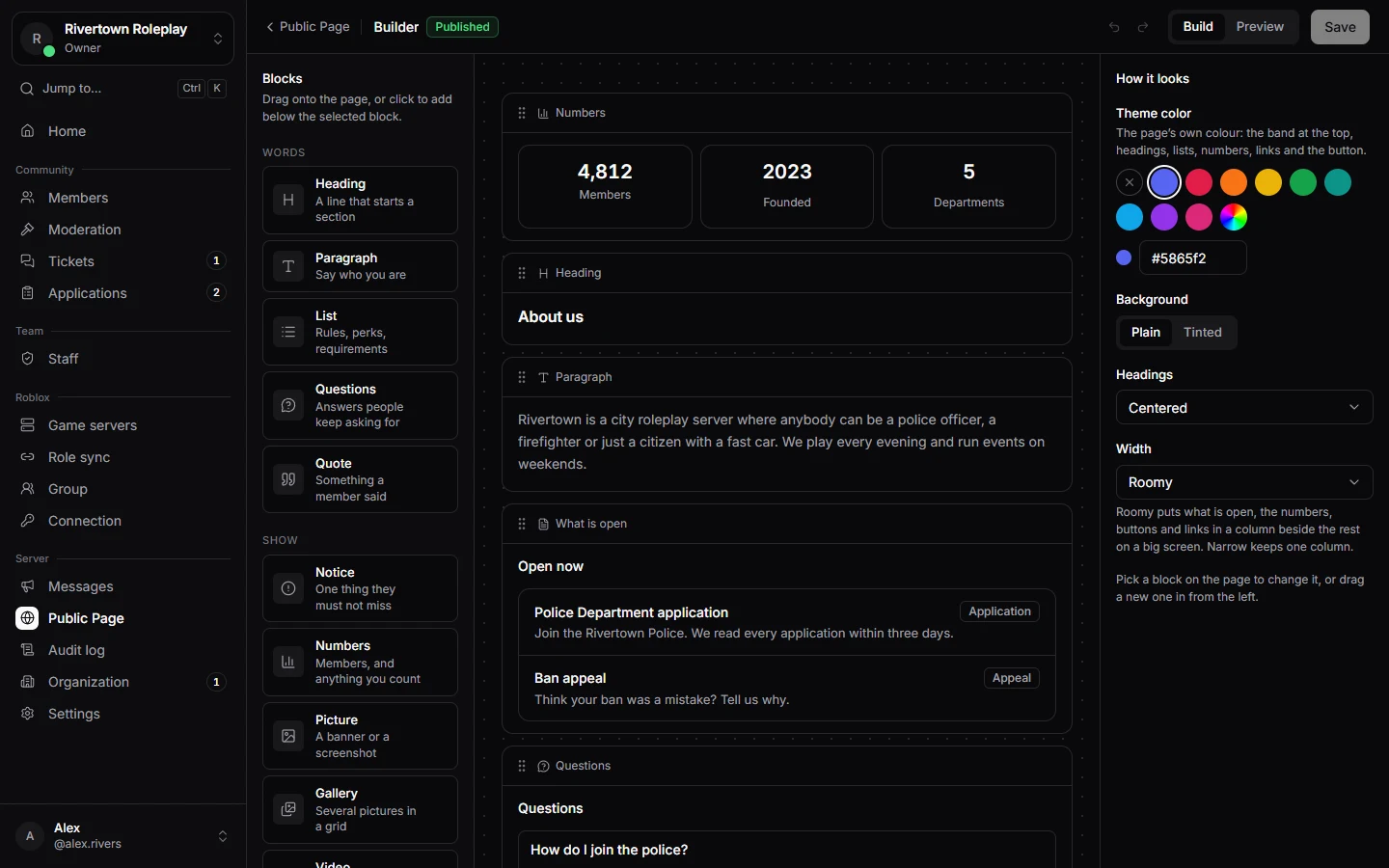
Pick a colour, centred or left aligned text, a wide or narrow page, and a plain or tinted background. Switch between Phone and Computer to check how it looks for everybody.
Still stuck? Get help from the Technified team.