
Role sync
Role sync gives members Discord roles for what they have on Roblox. Members get them when they verify, and again with /update.
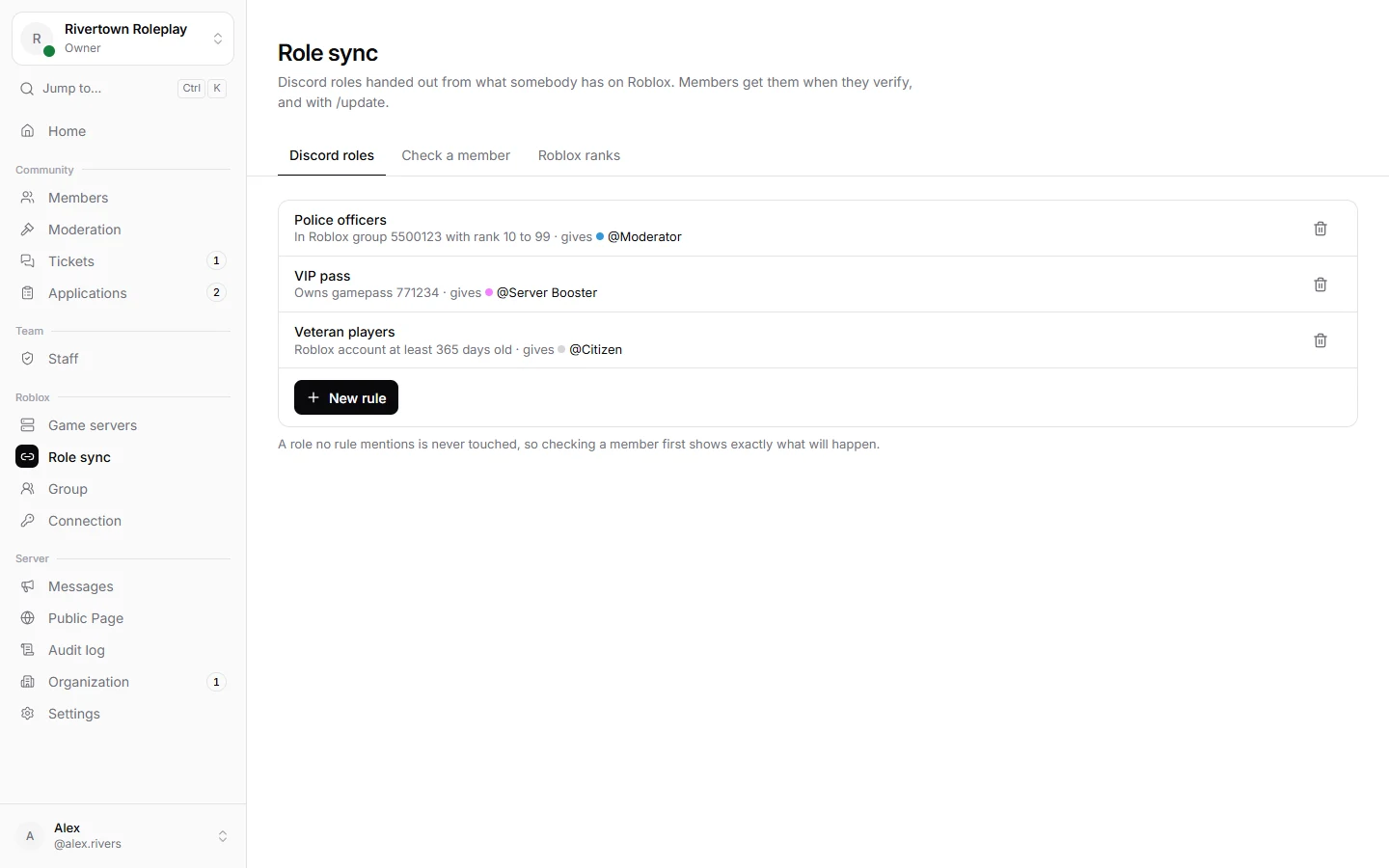
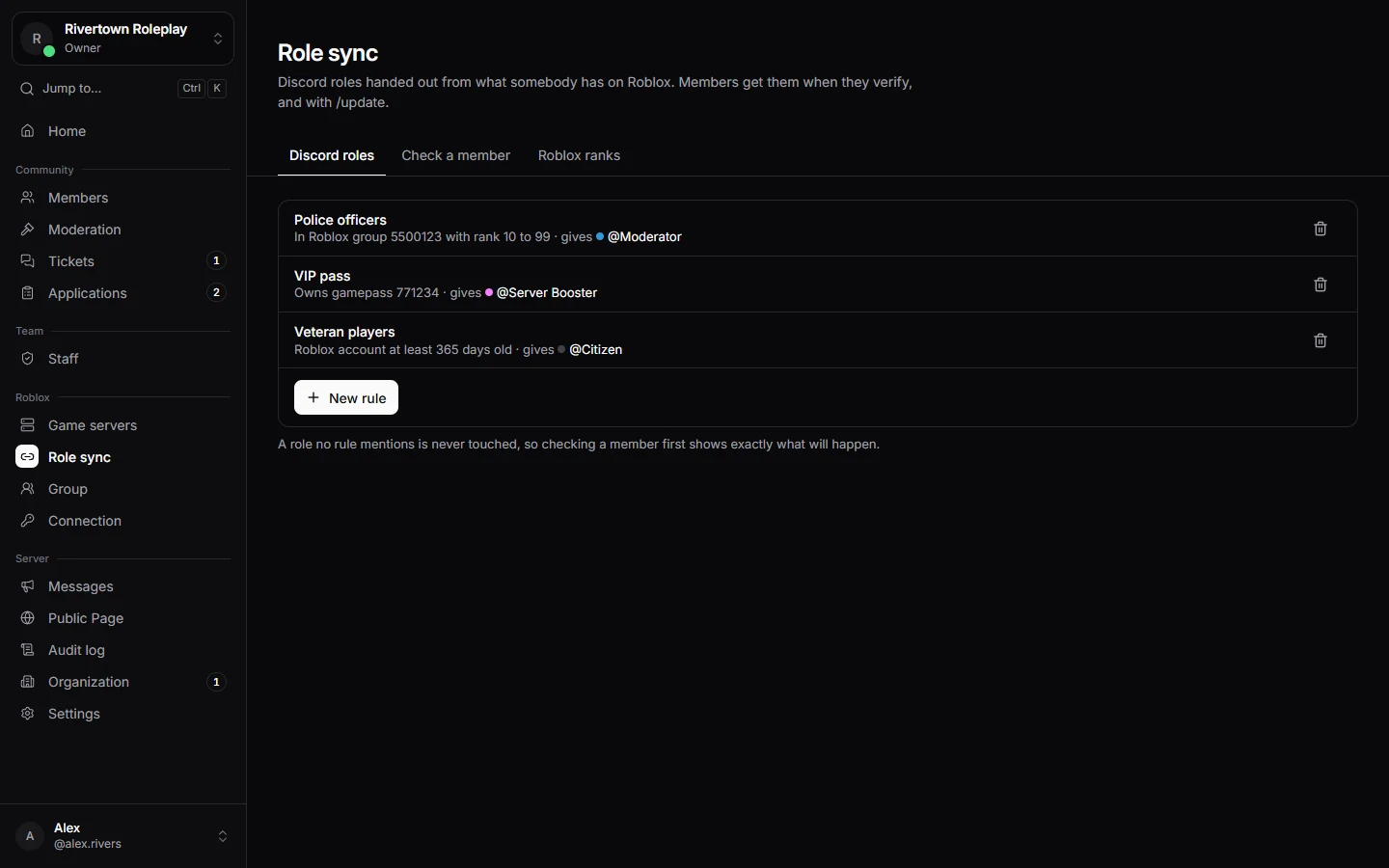
Making a rule
- Open Role sync and press New rule.
- Pick the Discord role to give.
- Pick the condition and fill it in.
- Save. A role no rule mentions is never touched.
| Condition | Gives the role to members who |
|---|---|
| In a Roblox group | are in a group, if you like only with certain ranks or one Roblox role. |
| Owns a gamepass | bought a game pass. |
| Owns an item | own a hat, shirt or other item. |
| Has a badge | earned a badge, for example in one of your games. |
| Account is old enough | have a Roblox or Discord account at least a certain number of days old. |
Check a member
Under Check a member, pick anybody to see exactly which roles they would get or lose, and why, before anything changes.
Roblox ranks from Discord roles
Under Roblox ranks it works the other way round: give somebody a Discord role and Technified gives them a rank in your Roblox group. This needs a Roblox API key; see Your Roblox group.
Still stuck? Get help from the Technified team.